How to render for ExposureRoom and Vimeo?

Lor

Well-known member
I finally exported my QT Ref. from Avid MC 3.5. What's the render settings so that I can export to ExposureRoom or Vemio? I have tried Sorenson Web/Streaming/MPEG 4/4 1MB with 1280 x 720 and the video looks really bad playing on my computer. Any other settings I need to consider.

I also have ProCoder and the trial of Cinama Craft encoder.

As a test for DVD, for some reason I have to lower the gamma to .92 on ProCoder so that it looks more like what I have in Avid MC otherwise the rendered version from ProCoder looks too dark. As for Cinma Craft, I didn't have to do anyting and it looks fine and both encoder uses the same QT Ref. I exported out of Avid. I have yet to try the same thing with Sorenson Squeeze 5.

Thanks!
 
Here's a helpful tutorial on encoding for the web (it's for Youtube, but the settings would be the same for Vimeo or Exposure Room).
The key to quality is a high bitrate (4000-8000).
You shouldn't have to change your gamma.

I guess you're encoding HD, here's the HD tutorial:
http://webvideotechniques.com/123/bigger-and-better-encoding-for-youtube-hd


Here's a SD tutorial, with more overall details on how to, including a screenshot of Sorenson:
http://webvideotechniques.com/35/how-to-encode-your-videos-for-youtubes-new-high-quality-option

Hope this helps
 
I will look up the settings I use later on tonight... (as I'm posting from my iPhone)... but I will say settings for YouTube and Vimeo/Exposure Room are completely different in my workflow.
 
Here's a helpful tutorial on encoding for the web (it's for Youtube, but the settings would be the same for Vimeo or Exposure Room).
The key to quality is a high bitrate (4000-8000).
You shouldn't have to change your gamma.

I guess you're encoding HD, here's the HD tutorial:
http://webvideotechniques.com/123/bigger-and-better-encoding-for-youtube-hd


Here's a SD tutorial, with more overall details on how to, including a screenshot of Sorenson:
http://webvideotechniques.com/35/how-to-encode-your-videos-for-youtubes-new-high-quality-option

Hope this helps

Thanks for the links. I'll take a look at those two tutorials.
 
I will look up the settings I use later on tonight... (as I'm posting from my iPhone)... but I will say settings for YouTube and Vimeo/Exposure Room are completely different in my workflow.

Thanks! Looking forward to seeing your settings for Vemio and Exposure Room settings. I have tried Sorenson's 2MB with 8000 Kbps data rate and 1280 by 720 frame size and it looks pretty nice. I'm not sure if Exposure Room will take it.

The original footage is a combination of 1080/24P and 720/24P but it's in a 1080/24P project. The length is about 4 minutes and 26 seconds.
 
Lor... DM me your email address and I'll forward these settings to you. I'm assuming you have compressor? If not... I'll type out the information I have here.
 
I have tried Sorenson's 2MB with 8000 Kbps data rate and 1280 by 720 frame size and it looks pretty nice.

Okay, I've uploaded to ExposureRoom and for some reason it looks kinda fuzzy and pixelated then when I was playing on my computer. Any suggestion on what I should do?
 
All the pretty settings in the world aint gonna change their compression.
8000 kbs!? Man if you read their specs, you are just spinnin' your wheels.
Upload it on creativecow and call it done. You won't find a cleaner video host online today.
Outside of that, your native files are yer buddy.
 
All the pretty settings in the world aint gonna change their compression.
8000 kbs!? Man if you read their specs, you are just spinnin' your wheels.
Upload it on creativecow and call it done. You won't find a cleaner video host online today.
Outside of that, your native files are yer buddy.

I know. 8000 kbs is a bit overkill for web but this is my first time ever posting any video online plus I want to look nice. Anyway, so the reason I came back here to post this question is, have I done something wrong on my end? I have seen many videos posted on the Exposure Room and it looks great as far as no fuzziness and pixelated effects. What could I have done on my end or perhaps maybe grinner is right? But I hope grinner is wrong because I do see some very nice videos on that site.
 
You are best off making a file that is the same rez they display. When they change the size, it softens things a bit. Again, the cow is your best hosting source today. Vimeo HD is good too.
 
You are best off making a file that is the same rez they display. When they change the size, it softens things a bit. Again, the cow is your best hosting source today. Vimeo HD is good too.

I did make the resolution 1280 by 720 as the HD version which is the display resolution. There is no resize. So I don't get why the images gets fuzzy and pixelated. I'll give Vemeo a try but I hate to upload over 260MB in size without knowing more what the settigs are before uploading.
 
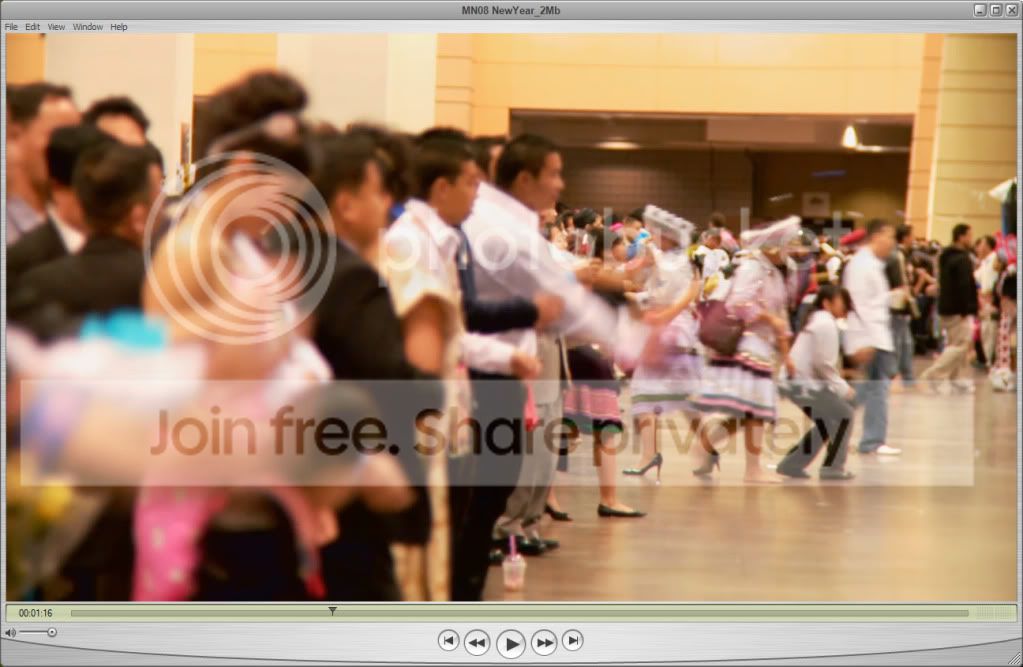
Okay, here's what I'm talking about. This is the what it looks like playing on my computer.

QuickTimeFrame.jpg


And this what it looks like from Exposure Room:

ExposureRoomFrame.jpg


Not only is the quality decreases, it also darkens the video image. Any suggestion?
 
Okay, last night I took a chance an uploaded it to Vimeo and to my surprise, the quality is what I was looking for; however, even the resolution is 1280 by 720, Vimeo only show much smaller size screen. So, that's why if I can Exposure Room to work, I still prefer Exposure Room.
 
No, I have not tried CreativeCow.net yet. I will have to try that too and see what the quality is. Does CreativeCow.net allow resolution up to 1280 by 720?
 
not the last time I checked but they may now. Scope it out.
I would trade rez for better compression in most cases though.
 
CreativeCOW.net has added free hosting for demo reels, music videos, commercials, short films, trailers and other media files that our members want to use to promote their businesses or just show their work. We support up to 900 pixels wide, up to 100MB in size, with AAC audio encoding.

That's what I found on CreativeCow.net. At the moment, my file size is over 200MB. I'll have to use resize mine to 900 pixels wide to see if the file size is smaller.
 
After I emailed Exposure Room support and they re-render the whole file again, I still think Vimeo's version is better quality.

Vimeo:

Vimeo640-360.jpg


Exposure Room:

Exposure640-360.jpg


Does anyone see the same thing as I am or is it just something wrong with my eyes and head?

And yes, Grinner, I'll give the Cow a try when I have time tonight.
 
Last edited:
yes, we all see the compression in it. KNowing it was there before hand, it's a big reason I don't use em. Heck, youtube's HD is better.
I still like vimeo. As a leader on the cow I feel obligated to offer it up as a solution but I don't like how finiky it is with the files that have to be uploaded. Vimeo eats whatever I throw at it and it's non-HD/freeby service is more than fine for my online needs.
 
Back
Top