
TheTrickster
Well-known member
Can I ask why mLUT is the only LUT loader to be used with FCPX? Is there something 'wrong' the other LUT loaders are doing?

Follow along with the video below to see how to install our site as a web app on your home screen.
Note: This feature may not be available in some browsers.
 Thanks anyway!!!
I have to admit that I don't quite understand how a 3D LUT can change the working color space of an application? For example, I think FCPX processes everything internally as YUV with 16 bit precision, right?
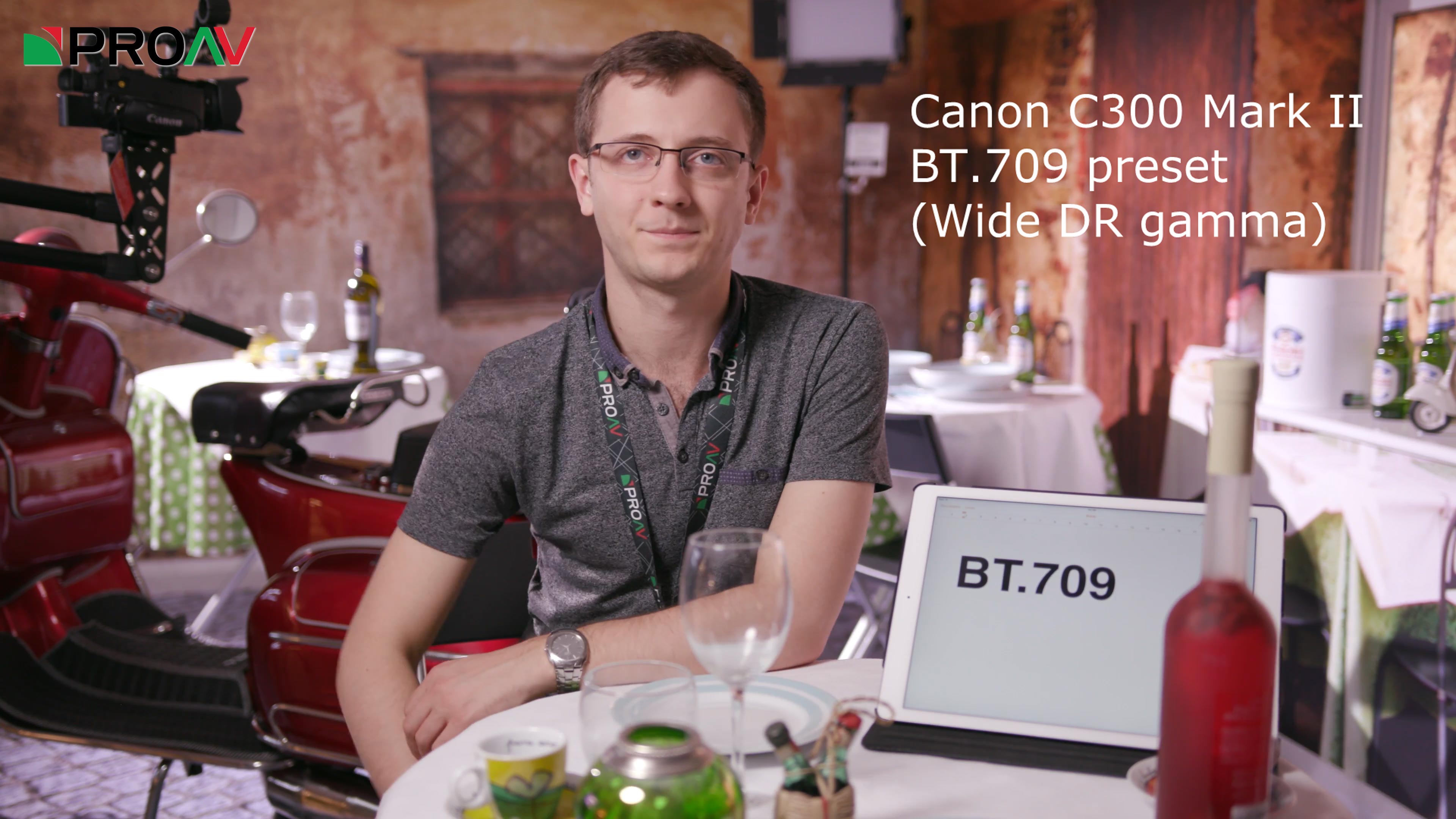
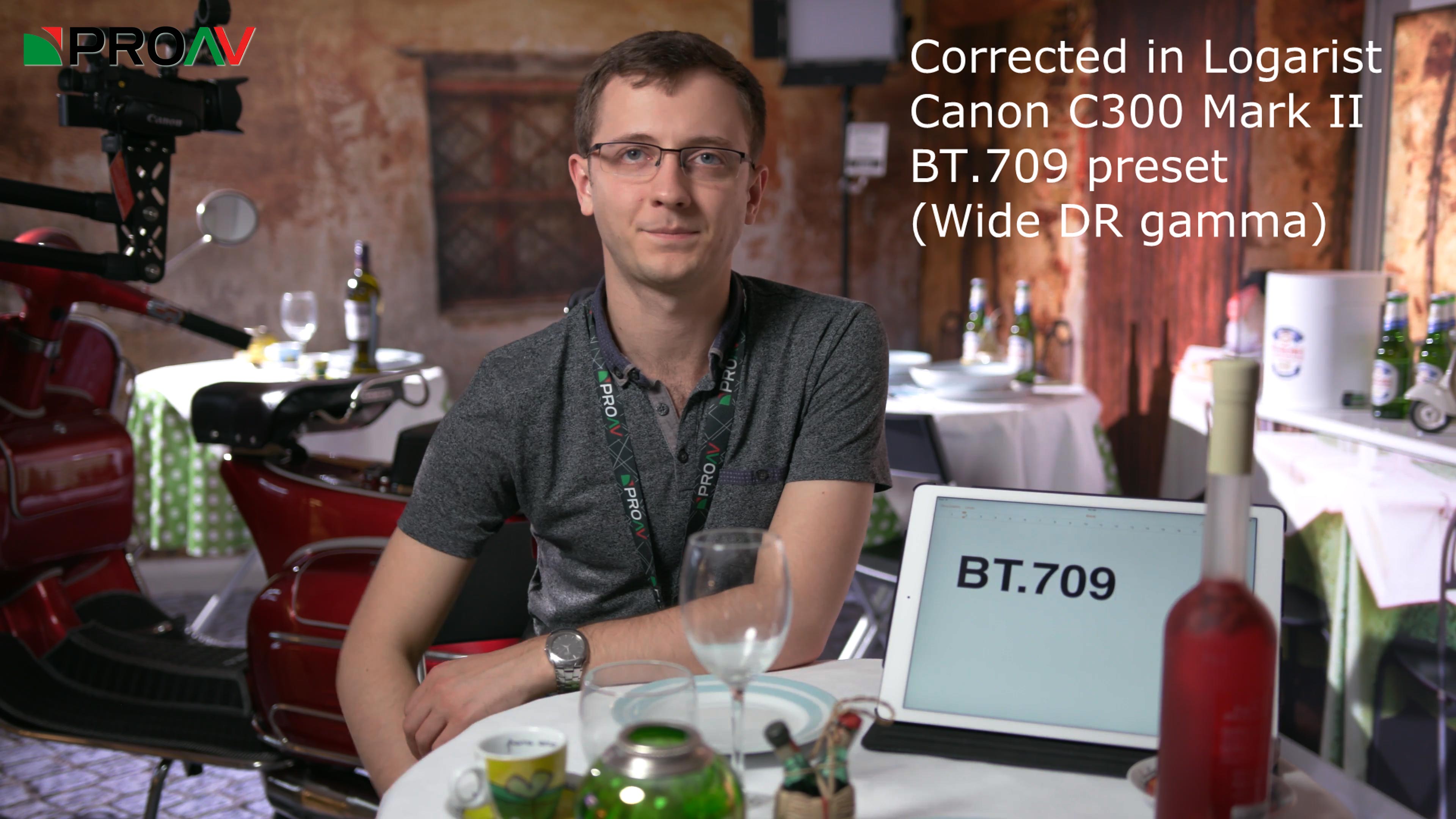
In Resolve all internal color processing is in 32 bit float YRGB color space independent of the input color space. So a tool like this can work just fine. The color space you grade in is the one you choose for output and monitoring, not the camera color space.
Premiere Pro and Premiere Elements (Windows and Mac) are now supported with a new Logarist plugin.
Please test and provide your feedback: logarist.com

The GX85 uses 16-255 (video levels with super whites).DrDave, I don't have a GX85, so I don't know which luminance range it uses. Run ffmpeg -i on a clip and tell me if it says yuv420p or yuvj420p. Which photo style are you recording in?
True, however you can record it with an Atomos Inferno.Hybrid Log Gamma is only available in 10-bit modes, so you can't record 4k/60p in HLG on the GH5.
dia3olik, Cinelike D is the best color space to use on the GH5. Use the Logarist GH4 Cinelike D input transform. It's almost the same as the GH5's Cinelike D. Dynamic range is identical in Cinelike D, HLG, and V-Log L on the GH5.
Hybrid Log Gamma is only available in 10-bit modes, so you can't record 4k/60p in HLG on the GH5.
You cannot change the lattitude by tinkering with settings that move code values around and potentially mess up color fidelity....can the latitude be improved a little further by lowering contrast to -5 on the Cine-D profile settings?