Logarist Color Correction for DaVinci Resolve, Vegas Pro, Final Cut Pro X

Can I ask why mLUT is the only LUT loader to be used with FCPX? Is there something 'wrong' the other LUT loaders are doing?
 
I tried a bunch of different free and paid LUT plugins for FCPX. Besides the mLUT Plugin, they all had some problem or another. They applied the LUTs inaccurately, or they crashed loading high-precision LUTs, or they wouldn't let you set the LUT domain, or they didn't have the contrast adjustment that I need for a log space.
 
I have to admit that I don't quite understand how a 3D LUT can change the working color space of an application? For example, I think FCPX processes everything internally as YUV with 16 bit precision, right?
In Resolve all internal color processing is in 32 bit float YRGB color space independent of the input color space. So a tool like this can work just fine. The color space you grade in is the one you choose for output and monitoring, not the camera color space.
 
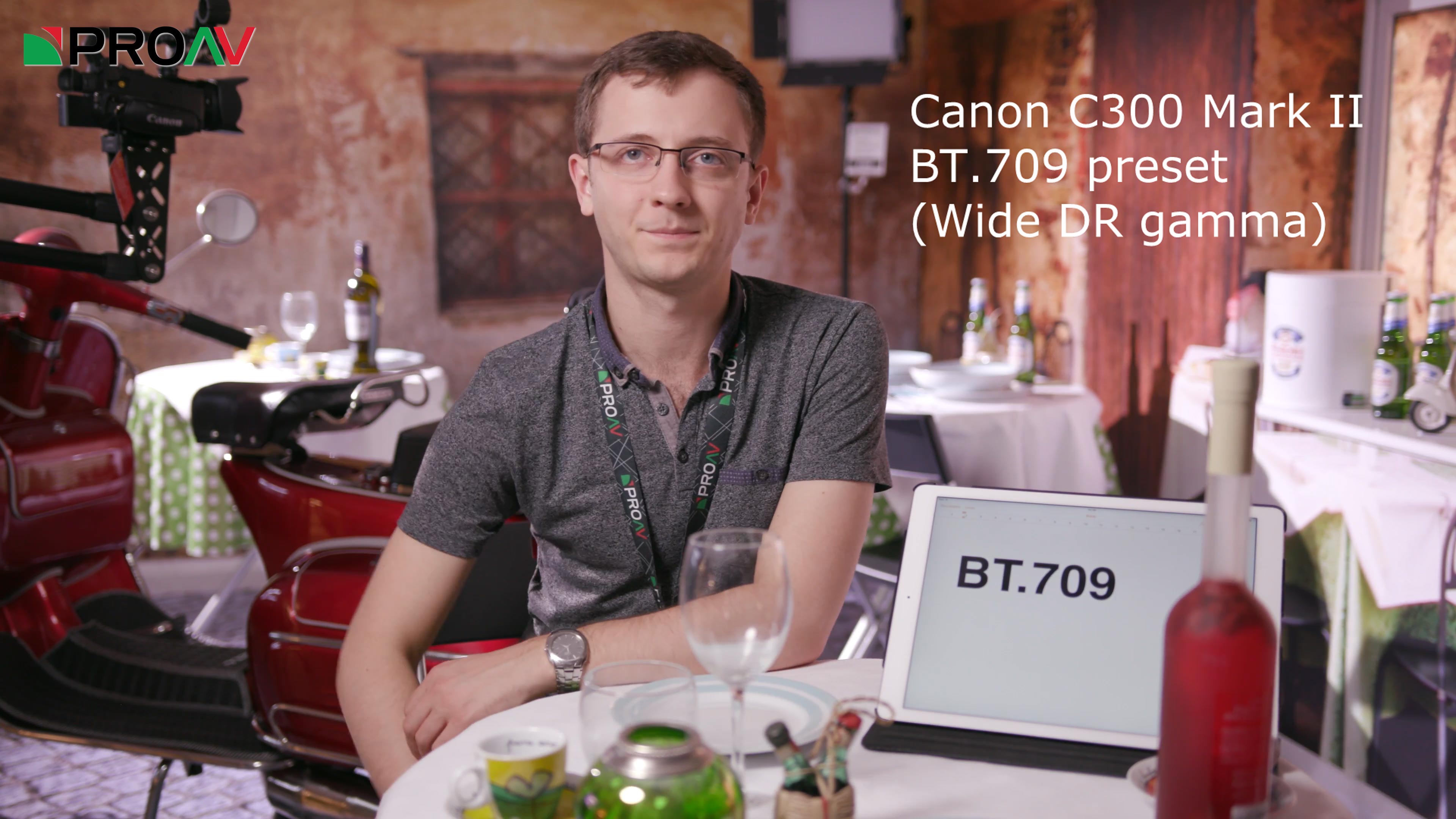
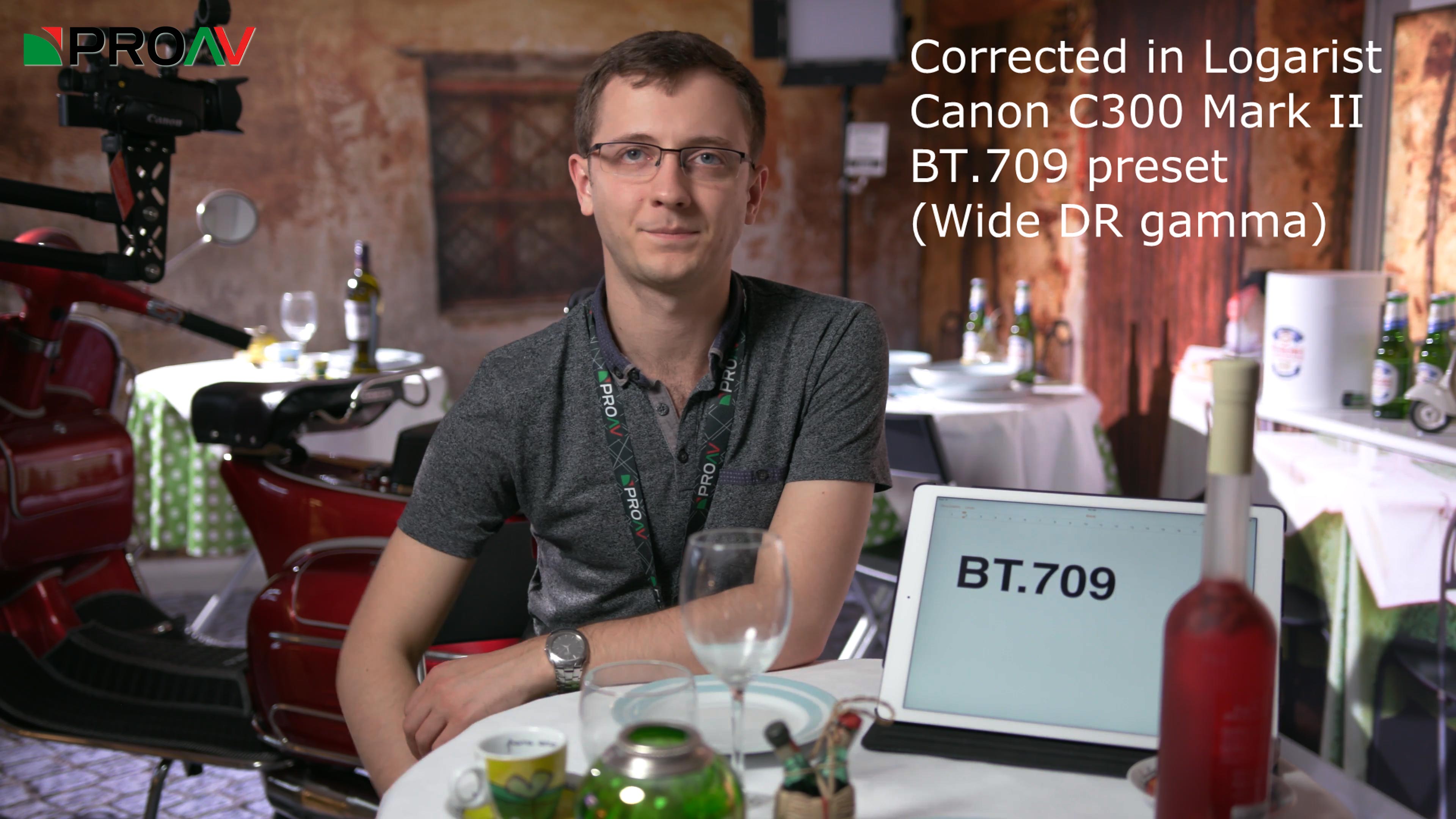
Logarist now supports Canon Wide DR gamma with the Neutral color matrix. This corresponds to the BT.709 and BT.2020 presets on the C300 Mark II and later. Earlier cameras such as the C100 also support this combination with custom picture settings.

Wide DR gamma without correction:


Wide DR gamma corrected in Logarist:


logarist.com
 
In Resolve all internal color processing is in 32 bit float YRGB color space independent of the input color space. So a tool like this can work just fine. The color space you grade in is the one you choose for output and monitoring, not the camera color space.

at times this is not accurate,
work in ACES and you are gradeing in AP1 or AP0
with RCM the working color space is user defined, coulld be YRGB, could be L*a*b, or any other choice from the pulldown menu

my understanding is that Resolve always works in XYZ / linear light with transforms from/to YRGB, ACES and RCM choices
 
i just found this thread and the logarist software.

i look forward to using it in fcpx with my panasonic g7 8bit footage which, if i am not mistaken, is akin to the internal gh4 footage.

thank you balazer for the effort and sharing.

if you ever find yourself in the nyc metro area, please let me buy you your preferred beverage!

be well.

rob
smalltalk.productions
 
DrDave, I don't have a GX85, so I don't know which luminance range it uses. Run ffmpeg -i on a clip and tell me if it says yuv420p or yuvj420p. Which photo style are you recording in?
 
Jacob, just found out about Logarist, thanks!!!

I suggest adding an input LUT from HLG on the GH5/GH5s since it should have good DR and it's better in 8bit VS V-LOG I think.

Or is Cine-D still better as recording profile for 8bit?

Thanks again!
 
DrDave, I don't have a GX85, so I don't know which luminance range it uses. Run ffmpeg -i on a clip and tell me if it says yuv420p or yuvj420p. Which photo style are you recording in?
The GX85 uses 16-255 (video levels with super whites).

By the way if a video recording uses yuvj420p your NLE might interpret the source as Rec.601.
 
dia3olik, Cinelike D is the best color space to use on the GH5. Use the Logarist GH4 Cinelike D input transform. It's almost the same as the GH5's Cinelike D. Dynamic range is identical in Cinelike D, HLG, and V-Log L on the GH5.

Hybrid Log Gamma is only available in 10-bit modes, so you can't record 4k/60p in HLG on the GH5.
 
dia3olik, Cinelike D is the best color space to use on the GH5. Use the Logarist GH4 Cinelike D input transform. It's almost the same as the GH5's Cinelike D. Dynamic range is identical in Cinelike D, HLG, and V-Log L on the GH5.

Hybrid Log Gamma is only available in 10-bit modes, so you can't record 4k/60p in HLG on the GH5.

Thanks!!!!!!

Quick update...tried it and it has less banding/posterization in gradients than VLOG-L ! ! !

Do you suggest to keep the Cine-D profile settings at its default to better comply with the expected curve and with black levels
or can the latitude be improved a little further by lowering contrast to -5 on the Cine-D profile settings?
(albeit of course having to deal with the raised blacks in post)

Thanks again tho!!!!
 
...can the latitude be improved a little further by lowering contrast to -5 on the Cine-D profile settings?
You cannot change the lattitude by tinkering with settings that move code values around and potentially mess up color fidelity.
Lattitude and dynamic range are sensor characteristics.

The only options to tinker with should be noise and sharpness, the rest I would not touch.
For 10 bit recording I would stick with HLG, for 8 bit I would stick with Natural or Cine-D.
 
Hi, dia3olik.

Yes, Cinelike D has a lot less banding/posterization than V-Log L. Cinelike D is really the better designed curve for the dynamic range of the GH4 and GH5, especially in 8 bits.

The Logarist Cinelike D input transform is made from a profile of the camera with all of the color and contrast settings at their defaults. If you change any of those, it changes the camera's response and the transformation won't be accurate anymore. In any case that would not improve the dynamic range.
 
Back
Top