F3 and 7Q

I haven't used the 7q for quite some time except as a monitor. (even then not so often)

but recently I think I might be able to get my hands on an F3 with slog 444 mod. I'm wondering if this combo will work and will I need 2 sdi cables if it does work?

I have the original 7Q ( NOT the 7q+) F3 with slog 444 mod and Odyssee 7q work together well? I didn't see any settings on the 7q that said sony f3 just sony "other"
 
If I remember correctly, a single 3GSDI would work. An HDSDI would need dual link.

I'm almost 100% positive, but not entirely. I'm sure others more experience with that set-up will chime in.
 
If your F3 has the RGB444 option, it can put out 1080/60p 4:2:2 Y'CbCr or 1080/30p 4:4:4 RGB over a single 3G SDI link. Without the RGB444 option, 4:4:4 RGB is unavailable, and 1080/60p 4:2:2 Y'CbCr requires a dual 1.5G SDI link. 1080/30p 4:2:2 Y'CbCr (and 24p) only needs a single SDI link.

Note that the RGB444 option, which also enables S-Log output, is not the only way to get S-Log. S-Log gamma was enabled in picture profiles starting with firmware version 1.4, which was a free update. But that's not the same as the RGB444 option, which enables RGB 4:4:4 output and single-link 3G SDI. So be sure to confirm with the seller that the camera really has the RGB444 option, and not just the free firmware update if you really need RGB 4:4:4 and/or single-link 3G SDI. Go to the VIDEO SET menu, then Dual-Link & Gamma Select. If "3G RGB444 & Video" is available to select, the RGB444 option is installed.

BTW, even if you have the RGB444 option, I don't recommend using the S-Log output for reasons I articulate in http://www.dvxuser.com/V6/showthread.php?357008-F3-and-7Q&p=1986725720&viewfull=1#post1986725720 . S-Log gamma is still an option with video output.
 
Last edited:
I've been shooting a bunch lately with this combo, F3 outputting 10-bit 4:4:4 to ProResXQ to an Odyssey 7Q, works a treat. I wouldn't agree with balazer's comment that the colours are harder to deal with using the 4:4:4 RGB SLOG mode over the picture profile mode. The only thing you really lose is white balance options (in 4:4:4 mode you only get 3200k or 5600k), which is a little frustrating, but with 10-bit 4:4:4, correcting white balance from those points is relatively easy.

I haven't tried it myself yet. But it might be possible to use the "3G RGB444 & Video" mode to activate both 4:4:4 and the picture profile version of SLOG, which (if it is possible) would then open up the ability to set custom white balances in 444 mode.

I'll have to look into that.

Image quality is great with the F3/7Q combo. And you can get 50p/60p slowmotion stuff as well.
 
Last edited:
Grug, it's either Y'CbCr, or RGB. Can't be both.

It's S-Log output mode that restricts the white balance settings, not RGB444. And even then I think if you had a new enough firmware version there was a way to do R and B offsets to get custom white balance in S-Log mode.

You can use RGB 4:4:4 video output (instead of S-Log output) with a picture profile with S-Log gamma, and do custom white balance. It's "3G RGB444 & Video" in the Dual-Link & Gamma Select menu.

If my memory is correct, in video output you could set custom white balance in Kelvin values, and if you wanted full 2D white balance control you'd need to customize the lens settings with R and B offset.
 
Last edited:
Grug, it's either Y'CbCr, or RGB. Can't be both.

It's S-Log output mode that restricts the white balance settings, not RGB444. And even then I think if you had a new enough firmware version there was a way to do R and B offsets to get custom white balance in S-Log mode. But it's moot because the colors are so wonky in S-Log output.

You can use RGB 4:4:4 video output (instead of S-Log output) with a picture profile with S-Log gamma, and do custom white balance. It's "3G RGB444 & Video" in the Dual-Link & Gamma Select menu.

If my memory is correct, in video output you could set custom white balance in Kelvin values, and if you wanted full 2D white balance control you'd need to customize the lens settings with R and B offset.

Quite right, thanks for the clarification. "3G RGB444 & Video" was the option I was thinking of. I've amended my post above for clarity.

Do you have any examples of these 'wonky colours'? I'm playing around with some shots from the film I was shooting over the weekend, and with nothing more than an SLOG to LC709A LUT and some contrast curves, I'm getting very close to a finished image (and the colours are nice and natural).
 
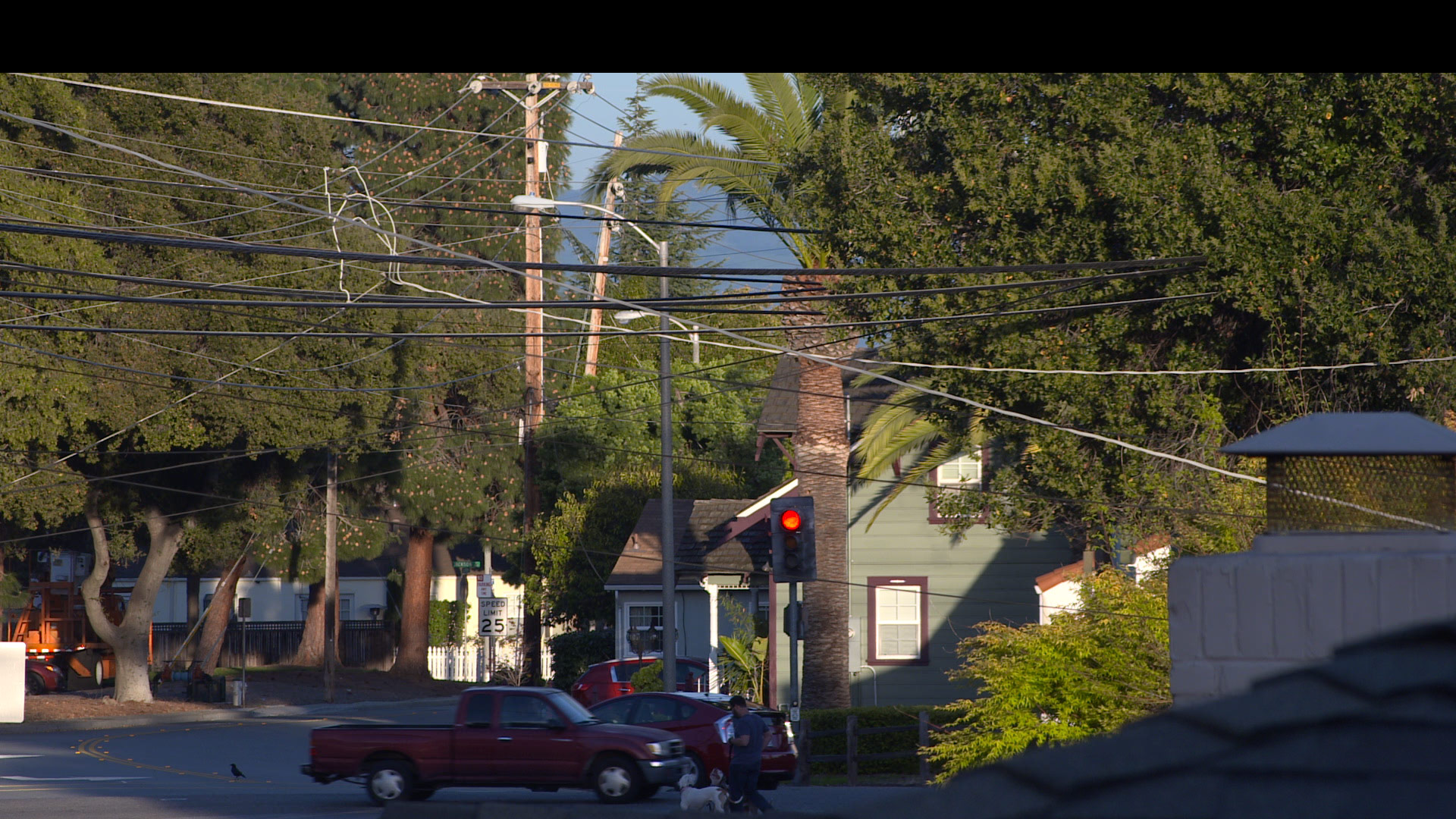
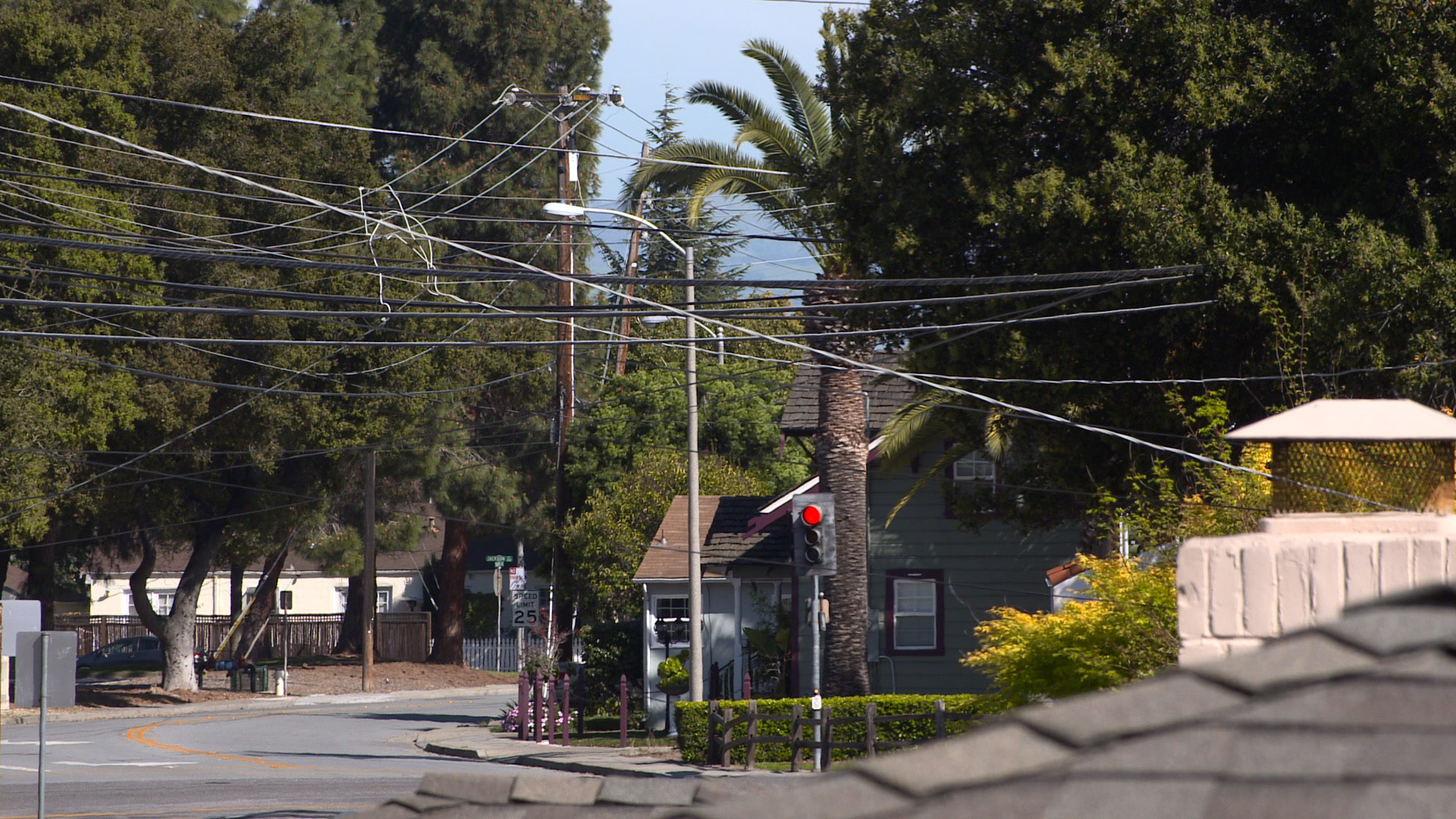
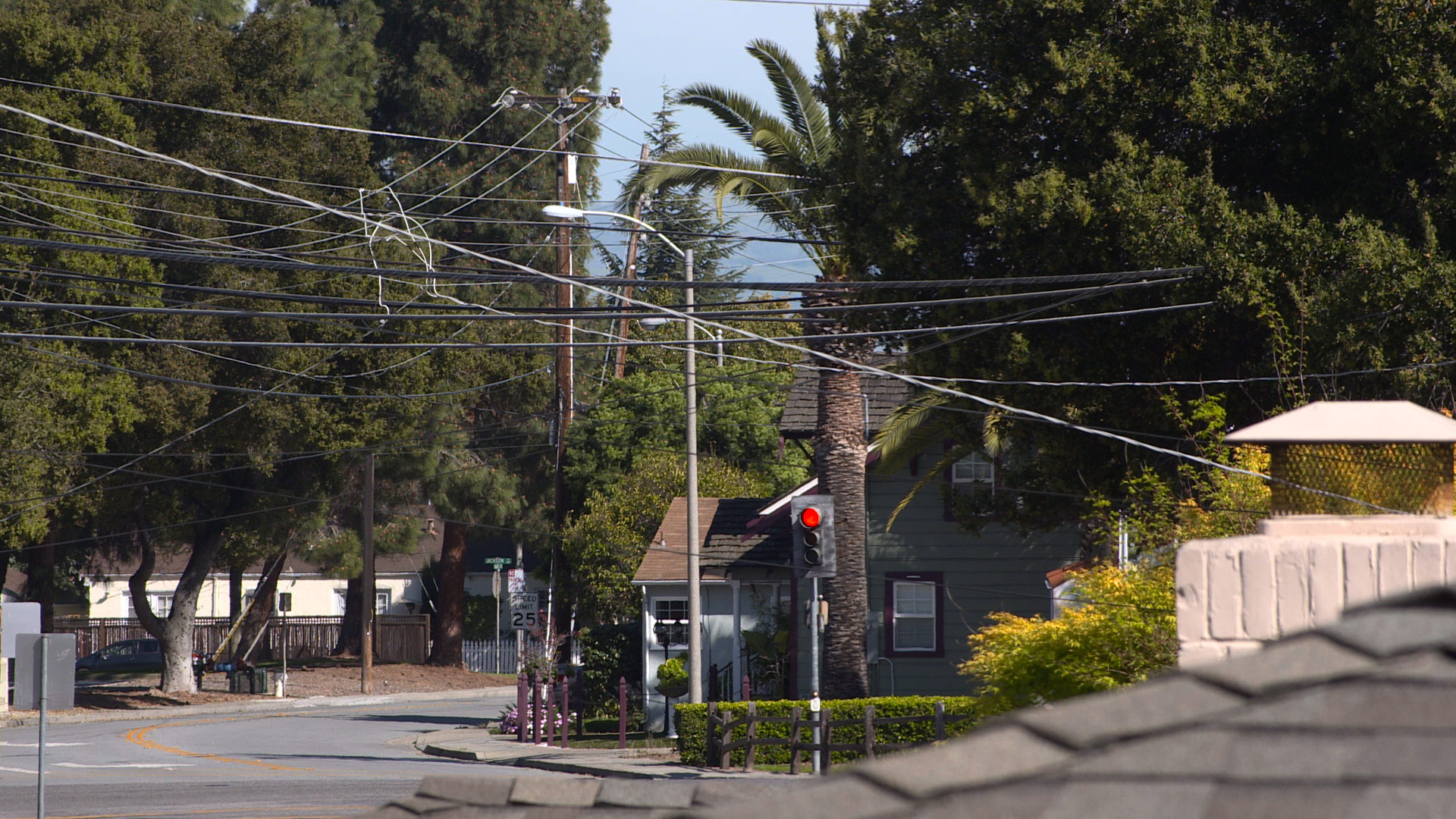
I have two tests I can share. Same subject, different lighting. I did exposure and white balance correction in Logarist, and tried my best to match between cameras and between modes. You can middle-click these images to open them full size in new tabs.

Test2:

Sony F3 Cine1/Standard:


Test3:

Sony a7S Cine1/Still:


Sony F3 Cine1/Standard:


Sony F3 S-Log/Standard:


I tested all of the other color matrix settings too, and concluded that Standard had the overall most pleasing colors, and was truest to the scene. Note that Cine1/Standard is nearly identical to S-Log/Standard when the two respective gamma curves are properly linearized in post. I threw in an a7S comparison with my favorite picture profile settings for that camera. You can see it's a pretty close match for the F3 Standard matrix. I give the F3 a slight edge over the a7S in this test, but based on some other tests I think the a7S has better color overall. My quest for better color continues.


Edit: I removed the S-Log output images I had treated as being in S-Log/S-Gamut, because it turns out they are not really in S-Gamut and treating it that way was giving incorrect color.
 
Last edited:
Very interesting. There's definitely significantly more red/magenta in the SLOG/SGamut clips.

Could you upload some .dpx frames of the clips? I'd be interested to bring them into Resolve and see if I can replicate the same issues.
 
Dear Chris,

The Odyssey7Q and Odyssey7Q+ will accept both HD-SDI 3G (Single Link) or HD-SDI 1.5G (Single Link or Dual Link).

We fully support the Sony F3, accepting both YCbCr and RGB 4:4:4.

I hope this helps.

Respectfully,


Dan Keaton
Convergent Design
 
I have two tests I can share. Same subject, different lighting. I did exposure and white balance correction in Logarist, and tried my best to match between cameras and between modes. You can middle-click these images to open them full size in new tabs.

Test2:

Sony F3 Cine1/Standard:


Sony F3 S-Log/S-Gamut:


Test3:

Sony a7S Cine1/Still:


Sony F3 Cine1/Standard:


Sony F3 S-Log/Standard:


Sony F3 S-Log/S-Gamut:


I tested all of the other color matrix settings too, and concluded that Standard had the overall most pleasing colors, and was truest to the scene. Note that Cine1/Standard is nearly identical to S-Log/Standard when the two respective gamma curves are properly linearized in post. The S-Log/S-Gamut shots (by which I mean "S-Log" in the Dual Link & Gamma Select menu) were difficult to correct and get looking as good as they do, and still they don't really look right to me. I processed them assuming they are in the S-Log/S-Gamut color space according to Sony's specification, but I think the images are not true to that color space. I think the problem is more than just having the wrong gamut. I'm not sure what the problem is, but I quickly gave up on the F3's S-Log/S-Gamut since Standard does a pretty good job. I threw in an a7S comparison with my favorite picture profile settings for that camera. You can see it's a pretty close match for the F3 Standard matrix. I give the F3 a slight edge over the a7S in this test, but based on some other tests I think the a7S has better color overall. My quest for better color continues.

Damn, this camera still looks good. I like the first one the best. However, I am quite sure I know where your issue is coming from. It's Logarist.
From their site:
The ACES gamut is very wide, and includes every color. The Logarist gamut is somewhat smaller, optimized to minimize hue shifts during contrast adjustment.
It's the smaller gamut that is in play.
Personally, I think you should throw all these LUT programs away. Just correct from your base image using the scopes in Resolve or another application. No LUT is ever going to give you more than you can correct by hand. They are only there to increase speed and efficiency. The base image of SLOG/RGB 444 is very rich and you could easily achieve what you have in Cine1/Standard with it.
 
That's my website. The Logarist gamut is not the problem. I used Logarist on all of those clips. There is something weird about the S-Log output of this camera, and it's the same whether you use Logarist, a Sony LUT, ACES, LUTCalc, Resolve color management, etc. I can give you my test files if you want to try.
 
I played around with the S-Log output some more, and it does appear to be a problem with the gamut of the camera's output. It's not S-Gamut, and it's not BT.709 gamut. It's close to the shape of BT.709 gamut, but wider. So if you treat the camera's output as BT.709 gamut and then increase the saturation by a lot in post, you can get colors that are a lot closer to being correct. But I still recommend using video output and a picture profile customized with the Standard color matrix, and not the S-Log output. The Standard matrix has proper color without any correction, and if you do need correction, it's more accurate and easier to apply. Plus the S-Log output is soft, requiring added sharpness in post, and you lose all of the customization that could be applied in a picture profile. The default picture profile settings are extremely sharp, but not in a way that looks artificially sharpened. So the only real benefit of S-Log output is the wider gamut, at the expense of color accuracy, sharpness, and customizability. Keep in mind you can still use S-Log gamma in a picture profile if you want, and it works correctly. Cine1 gamma with the Standard matrix is great too.
 
I played around with the S-Log output some more, and it does appear to be a problem with the gamut of the camera's output. It's not S-Gamut, and it's not BT.709 gamut. It's close to the shape of BT.709 gamut, but wider. So if you treat the camera's output as BT.709 gamut and then increase the saturation by a lot in post, you can get colors that are a lot closer to being correct. But I still recommend using video output and a picture profile customized with the Standard color matrix, and not the S-Log output. The Standard matrix has proper color without any correction, and if you do need correction, it's more accurate and easier to apply. Plus the S-Log output is soft, requiring added sharpness in post, and you lose all of the customization that could be applied in a picture profile. The default picture profile settings are extremely sharp, but not in a way that looks artificially sharpened. So the only real benefit of S-Log output is the wider gamut, at the expense of color accuracy, sharpness, and customizability. Keep in mind you can still use S-Log gamma in a picture profile if you want, and it works correctly. Cine1 gamma with the Standard matrix is great too.

I have two F3's, one with RGB444 in SLOG and the second one without the paid update using only the picture profile method. Both are using the same SGamut setting. There are absolutely no issues when correcting one or the other when trained on the same subject and they fall very similarly in line. The 444 as expected gives slightly more leg room for correction. Frankly I do not understand what issues you are having, but if you are starting out by applying LUT's/presets in any way shape or form, then I am quite sure your issues are there, in the generation of the LUT's or delogging presets. Correcting from scratch is absolutely fine otherwise.
 
Last edited:
yoclay, you quoted me but you didn't read what I said. The problem was that I had treated the S-Log output as being in S-Gamut. That's not the true gamut. When I treat the output as being in BT.709 gamut and then bump up the saturation in post, the colors are okay.

4:4:4 has nothing to do with "leg room for correction". That's the chroma sub-sampling; the resolution of the color signal.
 
Here's what I got from playing around with the clips:

This is 'Sgamut' with nothing but my customised SLOG1 LC709A LUT applied, colour, saturation and brightness do look a bit off:

wcrfNzQ.jpg


This is the 'Standard' SLOG clip with nothing but the SLOG1 LC709A LUT applied. It looks pretty normal and neutral to me.

YImrgI7.jpg


This is the 'Sgamut' clip, matched as closely as to the 'Standard' clip as I could get in a few minutes. It's mostly just a bunch of different colour corrections to the Red/Green/Blue channels in Lift/Gamma/Gain.

0FAXsoX.jpg


And here's the 'Sgamut' clip with SLOG1 LC709A, a touch of green, and slightly boosted saturation (about 30 seconds of correction in Davinci), to my eye, it looks the most pleasing of the lot. The asphalt looks right, and the trunks of the trees in shadow seem more natural too. Doesn't have the nuclear Sony greens either (though there's plenty of room to boost the saturation there if you want it):

aA4Wr2U.jpg
 
yoclay, you quoted me but you didn't read what I said. The problem was that I had treated the S-Log output as being in S-Gamut. That's not the true gamut. When I treat the output as being in BT.709 gamut and then bump up the saturation in post, the colors are okay.

4:4:4 has nothing to do with "leg room for correction". That's the chroma sub-sampling; the resolution of the color signal.

Wrong.
If you think this doesn't make a difference I suggest you spend more time in a grading suite.
Anyone who has done any keying on a greenscreen knows what a difference this can make.
Further, transitions do not crack as easily when really pushing a grade in 444.
I would say that pretty much constitutes "leg room for correction". Wouldn't you ?

Screen Shot 2018-01-26 at 08.44.04.jpg
 
Last edited:
Wrong. 444 is 12 bit. 422HQ is 10bit.
If you think this doesn't make a difference I suggest you spend more time in a grading suite.

I think you are talking about ProRes 4444, which is 12-bit, yes. The higher bit depth and bit rate of ProRes 4444 do give you more leg room for correction than ProRes 422 HQ.

But in general, chroma sub-sampling is independent of bit depth and compression. Chroma sub-sampling limits spatial color resolution. It changes the appearance of edges with large color differences, and certainly affects chroma keying. It has nothing to do with color correction. Bit depth, compression, dynamic range, and noise all affect your latitude for color correction.
 
Back
Top