LochnessDigital
Active member
Most of the other image people have posted have skintones that look way too red or orange to me. This looks a bit more realistic I think.
I'm sorry but those skin tones are straight up red. They don't fall anywhere near the skintone line on a vectorscope.

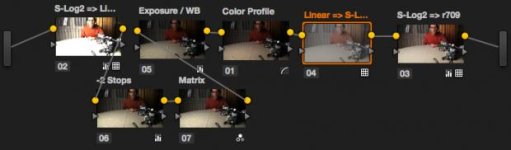
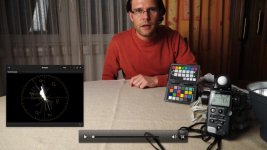
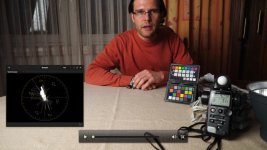
Perhaps what you didn't like about my grade was the saturation. Here's your exact grade with nothing but a qualifier on the skin, adding a slight amount of green to the gamma and a touch of red to the gain until the skin lined up on a vectorscope. This remedies a lot of what I'm noticing with S-Log 2 footage I've found (don't own an A7s myself) is that underexposed skin shifts magenta and overexposed skin shifts yellow. Saturation was reduced just slightly to compensate. No other changes have been made. By now, we've recompressed this image several times, so the quality is dropping a bit:

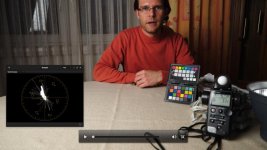
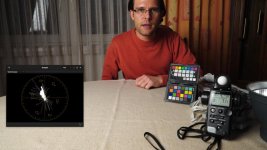
After re-evaluating, I can see that mine had a bit too much. The grade below has about 25% of the saturation dialed out.The image to me seems a little too saturated and orangy for my taste, but perhaps mine doesn't have enough saturation.
Power windows will work but you shouldn't have to resort to them for a standard "look" just to get your skin tones back.
That amount of work would kill you on any project where time or money was not budgeted for.
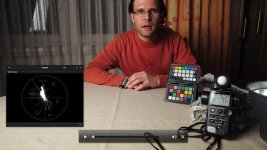
It was more of a stylistic thing than a necessity. The grade below has no power window. No other changes besides the saturation as mentioned above.

And the accompanying vectorscope reading.