GH4 Leeming LUT One – the best LUT for the Panasonic GH4

Nice thanks Paul! Can you apply both the Leeming LUT and Quickie in the Lumetri setting in Premiere? Or is it best to apply the Leeming LUT, nest the shot, and then re-apply a 2nd Lumetri for the Quickie? I haven't had time to play with the Quickies yet :)

As well as the corrective LUT, I created some Quickies which can be used as a second node, or Creative LUT in Lumetri, to give you an instant look after correcting the initial image with Leeming LUT One.

There are two free packs. The first is for the older v126 LUT as is kept online for posterity mostly, and the second pack (v2) is designed for the current v201 LUT.

They are designed for use with Leeming LUT One, but you can just as easily use them as regular LUTs for other footage. They are designed around, and expect, a Rec709 corrected image as a starting point. If you have that you can easily use them in your regular workflow even without Leeming LUT One in the mix :)

Download the pack you want here:

http://www.LeemingLUTOne.com/#quickies

I will be building more free Quickie Packs in the future with more creative looks, once I've finished developing the next set of corrective LUTs for the Sony A7S, A6300, the JVC GY-LS300 and GH2.

Hope this helps!

Cheers,

Paul :)
 
I wasn't sold on this LUT for the GH4 until the last iteration. You really nailed it this time. Gives a perfectly balanced image with the Cine D settings. Interestingly, it also works great on my modified Cine V settings with shadow+3 and idynamic low. Thanks for the hard work!
 
Nice thanks Paul! Can you apply both the Leeming LUT and Quickie in the Lumetri setting in Premiere? Or is it best to apply the Leeming LUT, nest the shot, and then re-apply a 2nd Lumetri for the Quickie? I haven't had time to play with the Quickies yet :)
Yes you can :) Apply Leeming LUT One in the Basic Correction section, then apply the Quickie in the Creative section of the same Lmuetri Color panel.

I'm a Premiere Pro person myself, so they were expressly designed with this workflow in mind :D

Cheers,

Paul :)
 
I wasn't sold on this LUT for the GH4 until the last iteration. You really nailed it this time. Gives a perfectly balanced image with the Cine D settings. Interestingly, it also works great on my modified Cine V settings with shadow+3 and idynamic low. Thanks for the hard work!
My pleasure! I guess that since the LUT corrects the colourimetry, it will be broadly applicable to several of the GH4 profiles, but especially Cine-V, which is mostly a contrast enhanced version of Cine-D.

Cheers,

Paul :)
 
Did you know that there is a new, official X-Rite/Munsell Colorchecker standard as of November 2014? I didn't, but I do now! :D

Since I've just received my new X-Rite Colorchecker Passport, I will recheck and adjust if necessary, all the camera profiles, to make sure they match 100%, since there are some slight colour variations I've noticed with the newer standard, especially in the blues and cyans.

I've also compiled an updated Reference Chart based on the Nov 2014 standard, which you can download here as an uncompressed PNG file:

Leeming_LUT_One_X-Rite_Reference_Chart_Nov_2014_Version.png


Accuracy matters!! :D

Cheers,

Paul :)
 
Hi Paul,
I'm very impressed by the result since I did not like the cinelike D profile before checking your work.
I still have a question:

What's the benefit of using your LUT versus shooting a properly exposed ColorChecker passport and balancing it in post' with the color-match tool in Resolve or in premiere with MBR COLOR CORRECTOR 2 (http://www.mattroberts.org/MBR_Color_Corrector/) ?
Is it flatter? More precise?

Thanks a lot
Damien
 
Hi Paul,
I'm very impressed by the result since I did not like the cinelike D profile before checking your work.
I still have a question:

What's the benefit of using your LUT versus shooting a properly exposed ColorChecker passport and balancing it in post' with the color-match tool in Resolve or in premiere with MBR COLOR CORRECTOR 2 (http://www.mattroberts.org/MBR_Color_Corrector/) ?
Is it flatter? More precise?

Thanks a lot
Damien

I find that all of the auto-balance type tools generally never give as much precision as a refined and properly calibrated LUT, plus I've noticed that even the tools used to auto-calibrate almost never correct the imag satisfactorily to what my eye sees, ie a natural, eye balanced picture.

I guess another huge advantage is as a timesaver - do you fancy doing the auto-correction for each shot or event, or would you rather throw the LUT on and know it's correct?

Plus you can load the LUT into monitors etc.

Lots of reasons really why a LUT is better than auto-match tools :)

Cheers,

Paul :)
 
why would they CHANGE Color Corrector? is it more accurate now? am I supposed to throw out my older color checker from 2012??
 
You may have covered this at some point in the previous 50 pages but what should we do about external recorders that clip at 16-235? You recommend using 0-255 in your manual but that creates a rather big exposure difference when using an external recorder.

A 16-235 version would get $$$.

Like many DPs I'm often not involved in post, but do supply LUT(s) to convey intent. Having a version tailored to Legal Range, & another for Full Range, would best support this workflow.

A Legal Range LUT could also be burned into the footage of a ProRes recorder, which is a common practice for quick turnarounds, &/or gigs where the post process is unknown/questionable.
 
I shoot for PBS and have found that following the suggestions for Cine D with the new "2" series LUT (first node) and Checker (old) Match (second node) in Resolve produce an image that is as close to perfect as I have ever gotten. I am very very happy.
 
You're going to LOVE v308 which I'm in the process of releasing right now!

Even better colours, no more blue cast (with truer blues and cyans than before) and sweeter skin tones :)

v3Sample1.jpg


v3Sample2.jpg


Cheers,

Paul :)
 
Not as sexy as the previous samples(!), but here are a couple of V-Log L (internal 8bit 4:2:0) stills showing the new colourimetry.

I'm really happy with it!!

VLOG.v308.LeemingLUTOne.Sample1.jpg


VLOG.v308.LeemingLUTOne.Sample2.jpg


Of course in 8bit there's still hints of that horrible magenta/yellow chroma smearing/colour artifact shifts, and less tonality due to recording with reduced 0-255 range, but if you're forced to shoot internally, it's definitely usable. Highly recommend external 10bit recording though when using V-Log L.

Cheers,

Paul :)
 
Last edited:
wait, paul, you confused me..... did the ACTUAL X-RITE Color Checker Chart get updated by that company, or are you talking about you updated the chart via your luts and it works better now?
 
You're going to LOVE v308 which I'm in the process of releasing right now!

Even better colours, no more blue cast (with truer blues and cyans than before) and sweeter skin tones :)

v3Sample1.jpg


v3Sample2.jpg


Cheers,

Paul :)

Tried v308, prefer the GH4 v201. A bit too much orange in the new LUT for my taste, especially in the blacks.
 
Tried v308, prefer the GH4 v201. A bit too much orange in the new LUT for my taste, especially in the blacks.

Agreed. I also prefer v201. Showed a few tests to a friend and he also preferred skin tones in v201. He said v308 made me look sun burnt.
 
A couple graded videos. Obviously the 50s one is going for a very specific look, but I really liked this LUT on this Cine D footage. Both with the initial LUT being the couple versions ago (v126?) CineD -5 contrast Leeming LUT. Will be giving the new version a test.

 
https://vimeo.com/167059340

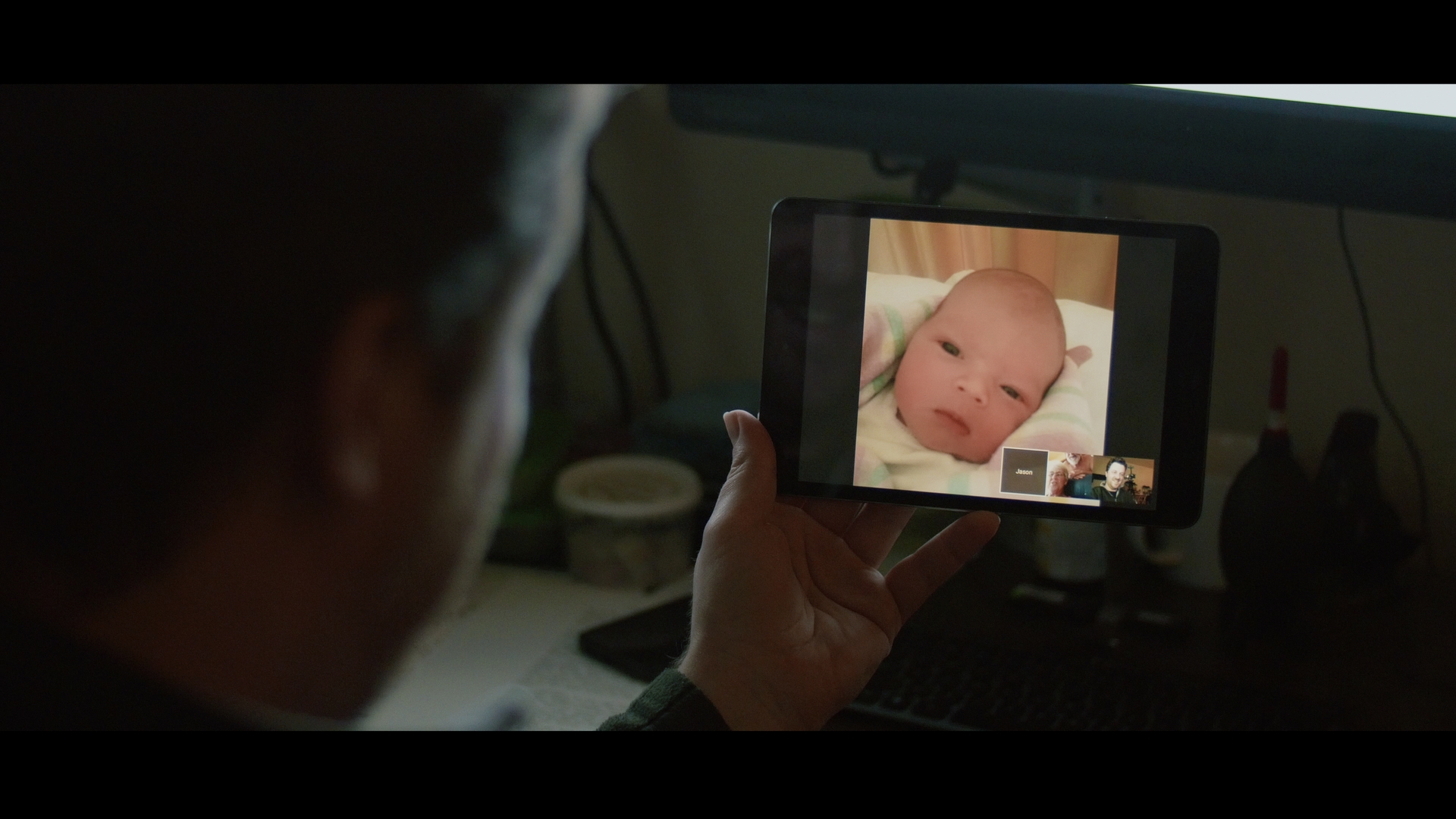
My newest test subject was born Monday. v308 and then a quick grade to taste.
Congratulations!! I recently became an uncle to my brother's first baby :D

I filmed my first conversation with him and my parents across the miles (I'm in Berlin - he is in Sydney!) with my GH4 too for posterity, for when he's older :)

First_Convo_Oscar.jpg


It's good to stop now and again and remember that these cameras have the power to share emotional moments with the world, not only colour tests! :D

Cheers,

Paul :)
 
Back
Top