GH4 Leeming LUT One – the best LUT for the Panasonic GH4

Same frame. One with no out shadows lifted, the other with your out shadows lifted.

No LUT:
No lut shad lift copy.jpg

Your LUT applied over the same frame:
LUT shad lift copy.jpg

Doesn't mean it happens on every scene. But it happens. Here is your LUT with shadows lifted and highlights dropped.
Screen Shot 2015-10-02 at 1.25.10 PM copy.jpg

Like I said, your LUT does not replace what VLOG is. But your LUT does improve blues over CineD (skies). But them greens go fluorescent and false looking unless treated. However, the midtones of the VLOG are cleaner than your CineD LUT treatment. Of course the VLOG is going to band easier over the CineD treatment. But I think we all know that VLOG is designed for 10bit recording. But using the Neumann LUTS, I'm pretty confident shooting internally with VLOG.
 
Last edited:
Same frame. One with no out shadows lifted, the other with your out shadows lifted.

No LUT:
View attachment 105734

Your LUT applied over the same frame:
View attachment 105735

Doesn't mean it happens on every scene. But it happens. Here is your LUT with shadows lifted and highlights dropped.
View attachment 105736

Like I said, your LUT does not replace what VLOG is. But your LUT does improve blues over CineD (skies). But them greens go fluorescent and false looking unless treated.
Thanks for the extra test. So the original Cinelike D has the information, but my LUT is causing it to disappear? That's weird, because I specifically made sure that I didn't screw with levels, so highlights and shadows should match. I'll go back to my tests and check further. I want to get to the bottom of why you are seeing clipping like that (which shouldn't happen with a non-destructive LUT application only).

Thanks!
 
Thanks for the extra test. So the original Cinelike D has the information, but my LUT is causing it to disappear? That's weird, because I specifically made sure that I didn't screw with levels, so highlights and shadows should match. I'll go back to my tests and check further. I want to get to the bottom of why you are seeing clipping like that (which shouldn't happen with a non-destructive LUT application only).

Thanks!

This is using Color Finale in FCPX by the way.
 
Internal recording only.

I tested VLOG at the county fair shot at 800-1600 and you tell me where there is Magenta blocking.
https://www.youtube.com/watch?v=2-ahGaB_keA

Then next night I shot a little industry gig in mixed lighting harsh conditions. Again, no magenta blocking using the LUTS from Neumann or Miller. (At least no more artifacting than one would see with CIneD or V)
https://www.youtube.com/watch?v=5AgUE0MclIo
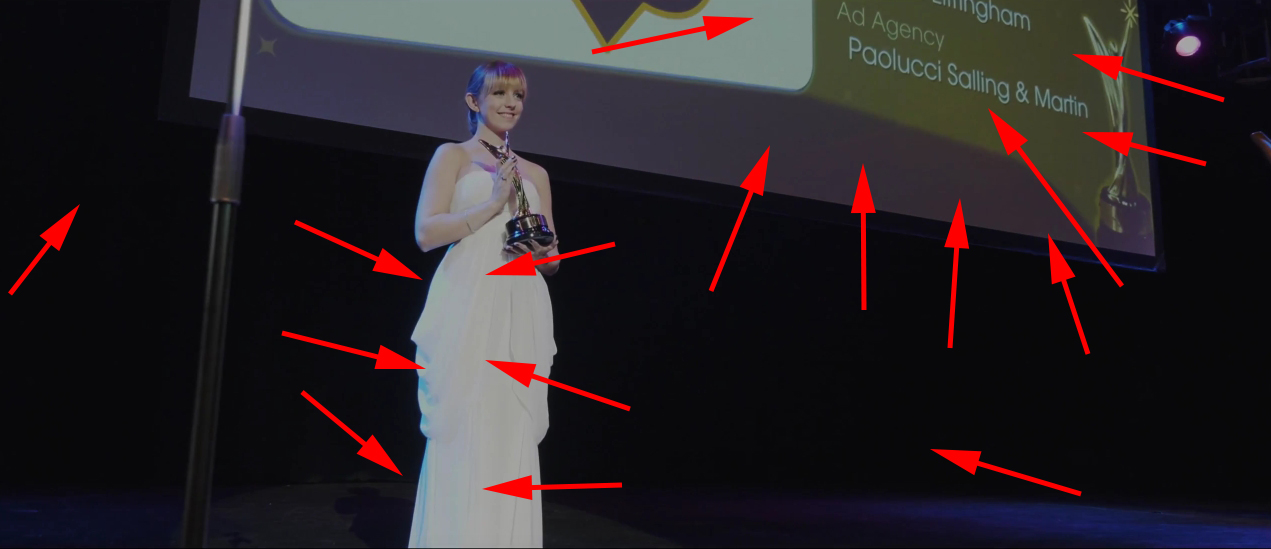
Now I'm really not sure what you are seeing, or YouTube's compression is really messing with your images, because I see magenta and cyan everywhere. Here's a single still, but really all the clips are showing it:

magenta-cyan-everywhere.jpg
 
Now I'm really not sure what you are seeing, or YouTube's compression is really messing with your images, because I see magenta and cyan everywhere. Here's a single still, but really all the clips are showing it:

magenta-cyan-everywhere.jpg

Nope, that is YOUTUBE doing that. Not in the original. And on the projection screen, be aware that there are purple, red, green, blue lights washing that screen. You also see a fade to black transition on the white dress.
 
And people, Like I said, this CineD Out does NOT simulate VLOG. It's just a CineD LUT. Your skies blue will look good. Your Green foliage will look like crap, and your skin looks decent. For Cine D that is.
 
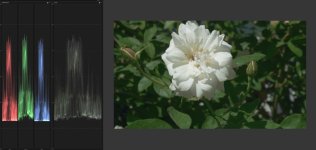
Lemming LUT with whack greens:
CINEd.jpg

James Miller LUT (which seriously cleans up the magenta issue) with nice natural greens:
JM LUT.jpg
 
And people, Like I said, this CineD Out does NOT simulate VLOG. It's just a CineD LUT. Your skies blue will look good. Your Green foliage will look like crap, and your skin looks decent. For Cine D that is.

Just to be clear, it's not meant to simulate V-Log :) It's meant to be a LUT that works with Cinelike D to get it right.

Sent you a new BETA LUT to reduce greens and raise shadows a touch, to see what you think :)

Cheers!

Paul :)
 
Lemming LUT with whack greens:
View attachment 105739

James Miller LUT (which seriously cleans up the magenta issue) with nice natural greens:
View attachment 105740
To my eyes, over-saturated green aside (new beta reduces this), my LUT looks better than the Neumann one.

Skin tones are definitely way better (and to be honest, that's what I'm testing against as I'm a narrative filmmaker).

The good thing is, all this feedback is going to make for the perfect LUT, so I truly do thank all of you for criticising :)

Cheers,

Paul :)
 
Oh and if Alberto Jimenez is reading this, please message me, as my email sending you your LUT bounced, as did my second attempt to email you without any attachment.

Thanks!
 
Lemming LUT with whack greens:
View attachment 105739

James Miller LUT (which seriously cleans up the magenta issue) with nice natural greens:
View attachment 105740
@dustylense

I am able to get good looking skin tones with the stock Cine D settings and Film Convert however it is not even close to VLog IMO.
Since you have tried and tested most of the LUTS for VLog what is your recommendation? I use the ARRI Log C LUT in Final Cut Pro X and after some minor adjustments it looks fantastic on skin tones as well as the overall color rendition. Even with the shortcomings of VLog I am sold on it for skin tones add some Neat Video and done. So please tell me which LUT you recommend overall just for VLog.

Thank you.

Paul if this was available as a plugin for Final Cut Pro X I would buy it to support your efforts.
 
Last edited:
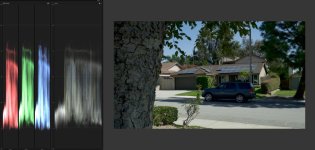
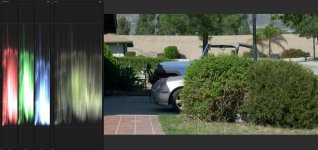
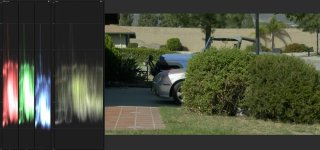
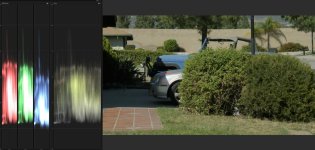
Example of highlight rolloff and DR.

Notice the red circle around the fenders line in the highlights.

Leeming: Line does not complete. whack greens.
leeming.jpg

VLOG with Neumann LUT (called "nothing Crazy). Line in car fender almost makes it. Far better shadows and greens are natural.
VLOG Nuemann.jpg

VLOG with J. Miller LUT. Line completes. Wonderfull highlight rolloff. Natural Greens.
JM VLOG.jpg

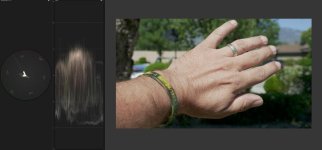
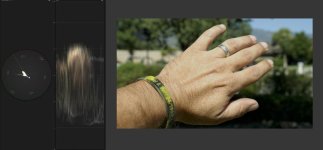
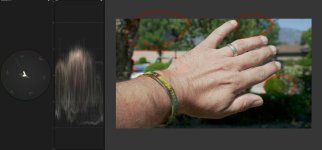
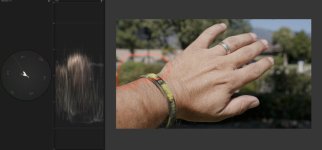
Leeming CineD vrs J.Miller VLOG Lut for skin. Notice the greens and the highlight rolloff of the palm of my hands (lets just say that a fortune teller would give me a false reading using the CineD).
https://www.youtube.com/watch?v=FMV_OhGCiO0


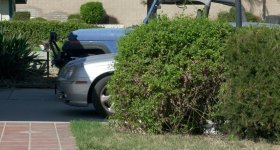
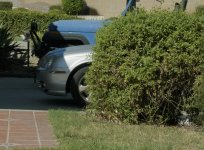
HIGHLIGHT DR AND ROLLOFF!!! NIGHT AND DAY! Look at fender of car.

Leeming Cine D:
Leeming HL.jpg

VLOG with J. Miller LUT. Look at highlight separation of car fender. You're gonna state there is no increase in DR of VLOG vrs CineD, Mr. Leeming?
JM HL.jpg
 
Last edited:
@dustylense

I am able to get good looking skin tones with the stock Cine D settings and Film Convert however it is not even close to VLog IMO.
Since you have tried and tested most of the LUTS for VLog what is your recommendation? I use the ARRI Log C LUT in Final Cut Pro X and after some minor adjustments it looks fantastic on skin tones as well as the overall color rendition. Even with the shortcomings of VLog I am sold on it for skin tones add some Neat Video and done. So please tell me which LUT you recommend overall just for VLog.

Thank you.

Paul if this was available as a plugin for Final Cut Pro X I would buy it to support your efforts.

Try Luke Nuemanns Luts and James Millers LUTs. They both have LUTS that basically eliminate the Magenta Blocking for internal 8bit VLOG.
 
Back
Top