Hdr

shoook

Active member
One of the most impressive modern art forms is the HDR photograph. I know some cameras have a high dynamic range option and many of us use 35mm adapters to get that film look but I've never heard of someone applying the HDR techniques of photography to film mediums. Photographers use Photoshop and HDR generating software such as Photomatix to combine several images and achieve the HDR look, but are there any tools out there currently being used to get the same results on HD video?
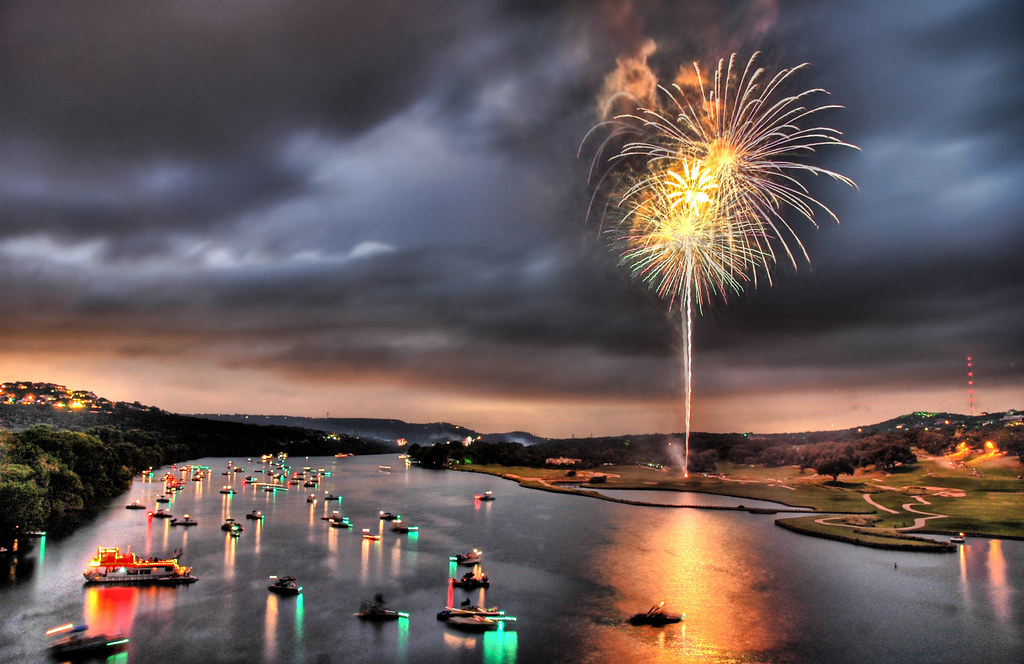
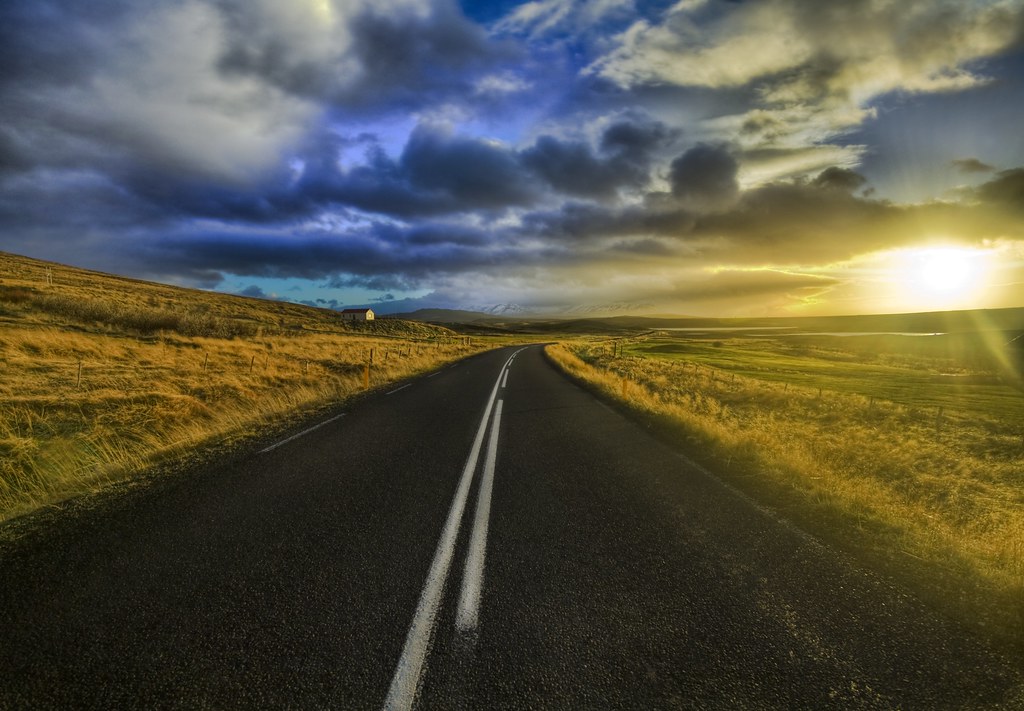
182191565_0537107963_b.jpg


2049233526_358678b16e_b.jpg
 
as far as i have always understood, the HDR stuff is achieved by combining multiple exposures of the same shot. dont really know how youd achieve that in video without multiple sensors or some other in-camera situation...
 
This has been brought up and discussed before. Pretty sure there's no way to do it with a video camera. I have however seen many HDR time lapses.
 
With my HVX-200 I can go 48 frames....take 2 pictures per, down to 24...synch audio off another recorder....of course I know nothing about HDR, but whatever
 
But you would need alternating exposure times.

The only way I can think of is a camera with 3 CMOS Bayern pattern chips behind a prisma.

Frank
 
Have you been wacthing tv, been to the movies lately ? its there , nothing knew

Batman darkknight has a scene wer he stands on some building looking down.
The city was made by 12 megapixels fotos stich together . for the high dynamic range
They did the same thing with the rush hour where they fall of the eifel tower . The whole city except the tower was made of HDR / raw photos

HDR images are especially used in composting cg/ and even real life fotos with real life action shots.
Checkout fxguide.com
 
What if you used the extra frame in a 48fps setup...changed it around digitally...twice, and then formed them into an HDR...I realize this would be an amatuerish effect at best, and perhaps would introduce noise but perhaps the results would atleast look interesting, lol :)
 
This has been brought up and discussed before. Pretty sure there's no way to do it with a video camera. I have however seen many HDR time lapses.


I think those were shot with varicam' s or hpx 3000 s.
On another note that is what the DRS function is for , but for now its somewhat noisy maby it will get cleaner in the future.
 
But how would you alter the exposure between frames? HDR requires you to have two different frames, shot at different exposures, and then combined in post.

One way you could do it is to shoot with two cameras through a beamsplitter prism so that they had identical fields of view. Then you'd set one camera to have a higher exposure than the other, and hope and pray that they're genlocked perfectly in phase with each other.

Doing it with just one camera, using faster frame rates, is never going to yield ideal results because -- these are motion cameras! So any motion between frames will yield "interlace"-style motion artifacts when you go to combine the frames. So even if someone built a camera that took alternating exposures (probably by adjusting the shutter speed, so every even frame is taken with a normal shutter speed and every odd frame taken with a high shutter speed to lower the exposure and capture more highlights) then when you go to combine those frames in post, there will be motion differences between them which will result in jittery edges and interlace-like artifacts.
 
Well I guess what I meant was basically taking every other frame, adjusting it's curve in post, twice...one that's a bit high, and one that's a bit low...then combining them. Perhaps this would just output a file that looked exactly like the original, I don't know.

Or perhaps I'm thinking in the wrong way entirely. to avoid motion blur artifacts you shoot whatever normal frame rate, adjust the curve on each frame twice...for an original, a lower, and a higher, then combine for an HDR. But like I said perhaps that would just output something similar to the original.
 
Also, to avoid motion blur artifacts, I think you could go film cam, 48fps, then change the shutter to 1/1000....this would be pretty dark stuff, but it should reduce motion blur...or am I thinking in the opposite direction?
 
Well I guess what I meant was basically taking every other frame, adjusting it's curve in post, twice...one that's a bit high, and one that's a bit low...then combining them. Perhaps this would just output a file that looked exactly like the original, I don't know.

I think this could work if you were doing a 48fps recording of something from a very wide angle that had very little movement. If this was the case the interlacing Barry is talking about wouldn't be nearly as noticeable. At least that is my theory.
 
Well I guess what I meant was basically taking every other frame, adjusting it's curve in post, twice...one that's a bit high, and one that's a bit low...then combining them. Perhaps this would just output a file that looked exactly like the original, I don't know.

Or perhaps I'm thinking in the wrong way entirely. to avoid motion blur artifacts you shoot whatever normal frame rate, adjust the curve on each frame twice...for an original, a lower, and a higher, then combine for an HDR. But like I said perhaps that would just output something similar to the original.

You are thinking in the wrong way entirely. The part you're not getting is the RAW data. HDR works because you combine at least three original images, all with different data / exposure.

You can't take one frame, manipulate the date into three images, and think there's any useful gain in that. You need the data of three different exposures, and combine them for the desired effect. As other's have said, for realtime motion, you'd need a beam splitter.

I actually don't think this too far off. Many cameras use internal prisms to split the light into 3 separate ccd sensors (each sensor dedicated to an individual color). What if (as Postmaster suggested) you designed a camera with 3 separate CMOS sensors (one sensor dedicated to all three colors), each dedicated to a different bracketed exposure?

You'd need to triple the camera's computing power, and storage, and might not be able to see a live output in full resolution immediately, but we're at a place where big advances are being made in the hardware. It would be pretty cool...

Alternately, you could get three less expensive cameras, design a big clunky bracket system to have them all feed off the same lens, set them to bracket exposure, and write some code to batch process the footage in photoshop. A lot of work, but doable, and could result in some AMAZING footage that would deliver tremendous bang for buck. As I said, I'd be amazed if no one out there was working on something like that right now...

What would really be fun is to design such a hypothetical rig, and take a poll of DP's. I honestly don't know if they'd hate the idea, or love it, or both. It would make most set lighting much, much less difficult, hugely increase efficiency, but I'm guessing wouldn't really help higher end results. Art sometimes doesn't react well to artificiality, and HDRI images are intrinsically artificial.
 
Last edited:
This has been brought up and discussed before. Pretty sure there's no way to do it with a video camera. I have however seen many HDR time lapses.

Actually, and to make this relevant to this forum, they're already doing it, to a lesser extent, in the HPX170. Look up DRS:

-Okay, and now for the biggie: the other image control they've added is DRS (Dynamic Range Stretching). This is basically an in-camera way to get High Dynamic Range images. It's a feature imported from the AJ-series HPX2000/HPX3000. This one feature greatly expands the appearance of dynamic range across the scene.
 
When I first heard about the DRS feature of the HPX I was really excited. Then I learned that you could only do DRS in camera mode so I just haven't used it.

What if you put two cameras side by side or stacked one ontop of the other and then set them to different exposures. Do you guys think this could achieve an HDR look?
 
Last edited:
When I first heard about the DRS feature of the HPX I was really excited. Then I learned that you could only do DRS in camera mode so I just haven't used it.

What if you put two cameras side by side or stacked one ontop of the other and then set them to different exposures. Do you guys think this could achieve an HDR look?

I know photoshop can automcatically stitch stuff together for HDR, so perhaps something could be done which would look smoother then the time lapse stuff.....I LOVE the time lapse HDR, but if it were smooth motion, it's be so psychedelic :Drogar-Love(DBG):

Perhaps something in 1080, which is then cropped to 720 once the stitching is done...to remove the areas that didn't get enough data to effectively do it.
 
Back
Top