CustomerGH4
Well-known member
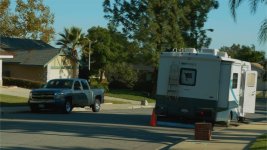
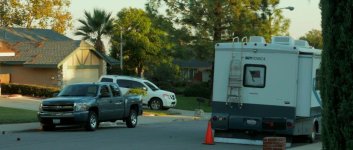
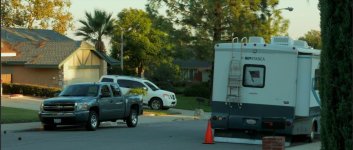
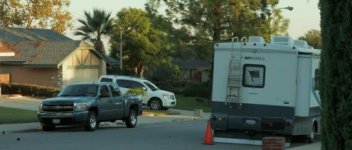
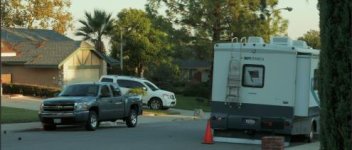
So here is a sample I just did using the fix:
After fix: http://www.upload.ee/image/5214716/P1160343.png
more colorful version http://www.upload.ee/image/5215400/P1160343.png
What I did with the footage up there.
Step one: import video to Photoshop.
Step two: Under filter choose a conver for smart filters. Make sure you choose all the frames.
Step three: Under filter choose camera raw filter.
Step four: Under detail in the raw filter use the Color noise reduction.
Step five: Make other adjustments as you please, contrast, exposure, tint etc. Or a LUT.
Step six: Export, render video with max settings and your done.
PS. I tested it with different footages, the better light in your source the better it works (Duh, obvious.)
Anyway big thanks to Joonas_T in personal-view.com , he discovered it all.
After fix: http://www.upload.ee/image/5214716/P1160343.png
more colorful version http://www.upload.ee/image/5215400/P1160343.png
What I did with the footage up there.
Step one: import video to Photoshop.
Step two: Under filter choose a conver for smart filters. Make sure you choose all the frames.
Step three: Under filter choose camera raw filter.
Step four: Under detail in the raw filter use the Color noise reduction.
Step five: Make other adjustments as you please, contrast, exposure, tint etc. Or a LUT.
Step six: Export, render video with max settings and your done.
PS. I tested it with different footages, the better light in your source the better it works (Duh, obvious.)
Anyway big thanks to Joonas_T in personal-view.com , he discovered it all.
Last edited:

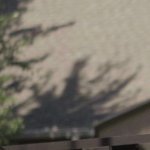
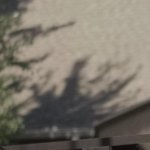
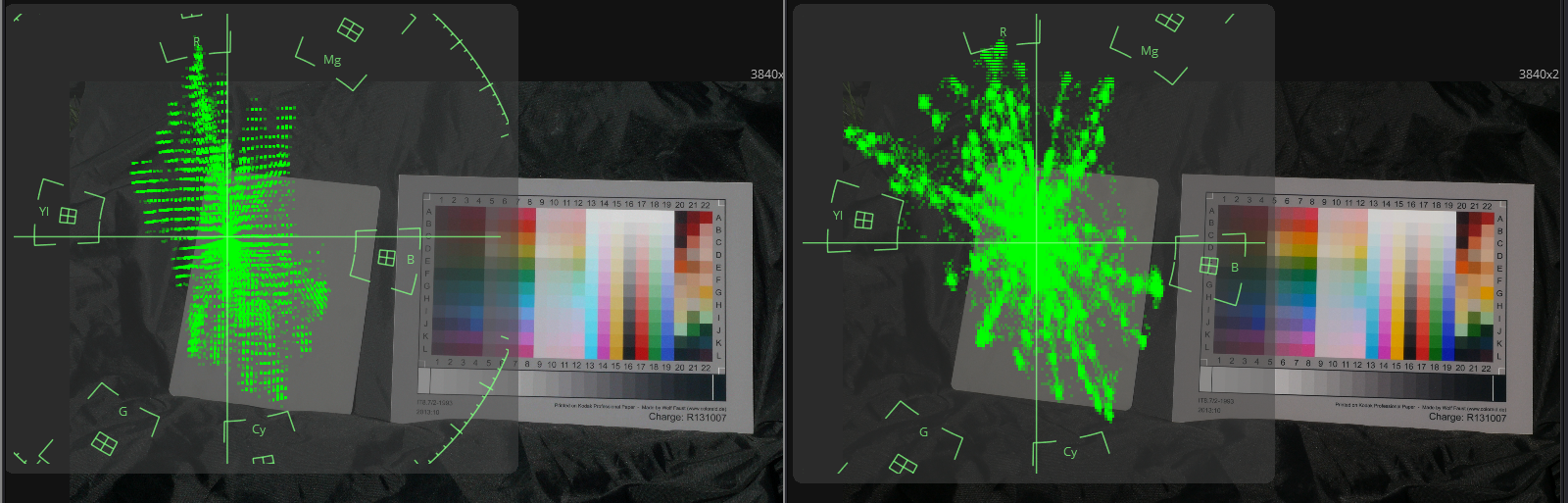


 Or use it as an artistic filter when needed, KNOWING its limitations and colorations.