Imamacuser
Veteran
Hi everyone,
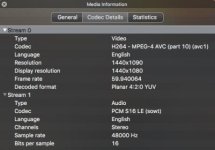
I recently shot a project at 3840x2160 30P with an A6300, and now the client would like me to combine it with footage I shot 10 years ago at 1440x1080 60i with a Sony SR-11.
I'm using the free version of Resolve 15 with a mid-2012 MBP that's been upgraded to an SSD, 16GB RAM, and the Intel HD4000 graphics card hacked to use 2GB of system RAM. The final video will be delivered to DVD and possibly YouTube. I'll be using Toast Titanium to encode the final video to DVD.
I can correct the 1440x1080 aspect ratio and scaling in Resolve by applying a 1.3 anamorphic desqueeze and zooming in 1.026%, so my only real concern is dealing with interlaced and progressive footage.
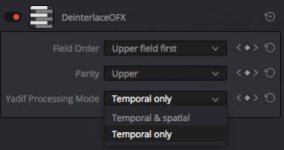
I tried deinterlacing with JES Deinterlacer, QuickTime 7, and MPEG StreamClip, but they all result in lots of artifacts.
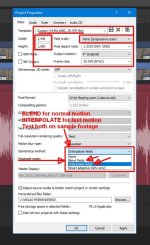
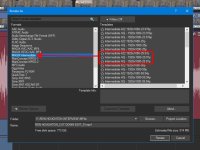
It seems like a lot of DVDs are interlaced, should I just interlace my 3840x2160 30P footage, edit everything on an interlaced timeline, and export interlaced for DVD?