EDV
Well-known member
I've been reading about storyboarding, and a lot of the advice focuses on composition, angles, continuity, camera movement and character movement.
Camera movement is indicated by a white arrow apparently , while character movement by a black arrow.
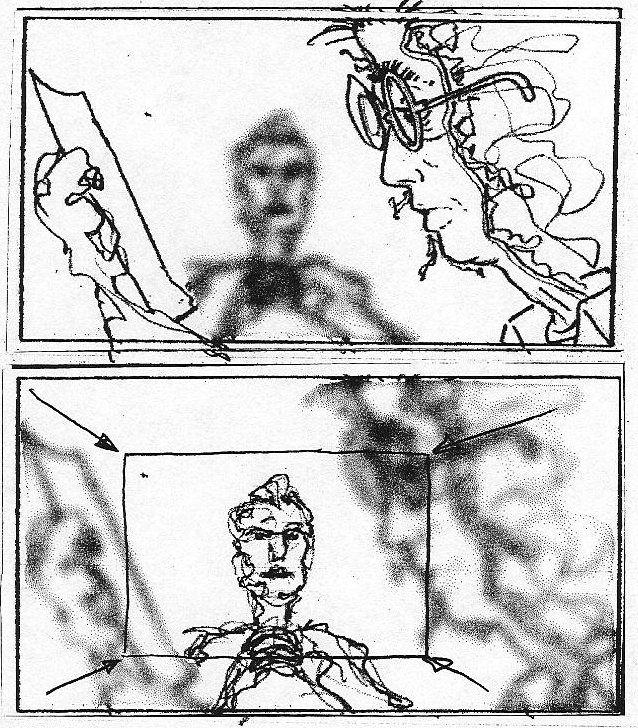
Now, this may seem like a silly question but.... how do you indicate " out of focus " or " character coming into focus " in the storyboard? what about things like color isolation of one element in the frame, or slight use of animation in a film? I guess I'm thinking also of TV commercials, where heavy use of animation sometimes intercuts with video footage.
Camera movement is indicated by a white arrow apparently , while character movement by a black arrow.
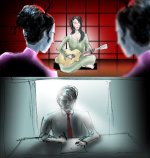
Now, this may seem like a silly question but.... how do you indicate " out of focus " or " character coming into focus " in the storyboard? what about things like color isolation of one element in the frame, or slight use of animation in a film? I guess I'm thinking also of TV commercials, where heavy use of animation sometimes intercuts with video footage.