As everybody knows, GH1 might suffer from "muddy" footage in low-light areas. In order to measure sharpness at lower-light, the following video settings were tested:
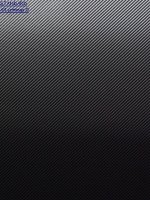
a) STANDARD with all other settings (CONTRAST, SATURATION, SHARPNESS, NR) 0
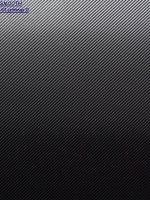
b) SMOOTH with all other settings 0
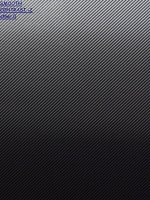
c) SMOOTH with CONTRAST -2
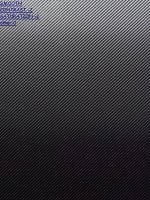
d) SMOOTH with CONTRAST -2 and SATURATION -2
e) SMOOTH with CONTRAST -2, SATURATION -2 and NR -2
I experimented with one of my "dead" charts - diagonal one and use artificial light.
The results are given below (only part of frame grabs). It seems that switching from STANDARD to SMOOTH and, especially, changing NR from 0 to -2 results in increase of sharpness in lower-lit areas. Unfortunately, picture and file size limitations do not allow posting entire frame grabs.
a) STANDARD with all other settings (CONTRAST, SATURATION, SHARPNESS, NR) 0
b) SMOOTH with all other settings 0
c) SMOOTH with CONTRAST -2
d) SMOOTH with CONTRAST -2 and SATURATION -2
e) SMOOTH with CONTRAST -2, SATURATION -2 and NR -2
I experimented with one of my "dead" charts - diagonal one and use artificial light.
The results are given below (only part of frame grabs). It seems that switching from STANDARD to SMOOTH and, especially, changing NR from 0 to -2 results in increase of sharpness in lower-lit areas. Unfortunately, picture and file size limitations do not allow posting entire frame grabs.