BrianMurphy
Veteran
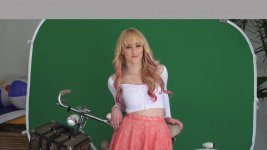
I will be shooting some models in a green screen studio next week. These images will consist of small movements that will be keyed into 3d renderings of a real estate development pitch. Looking to get the most out of the FS100 with the least amount of trouble in post. I will not have full renderings for the shoot, just wireframes. Aside from the built in tools, I will set up my MacPro in studio with Adobe on Location and Final Cut 7 with Primatte to check things. I am recording on my Ninja. I understand the final assembly will be done by someone else on an AutoDesk Flame system or the like.
Any tried and tested picture profiles would be greatly appreciated.
Any tried and tested picture profiles would be greatly appreciated.