HPX370 Demo Footage

Anyone posting HPX370 demo footage anywhere? I can find a fair bit of HPX300 demo footage but I am struggling on HPX370.

Cheers
Rick

_____________________________________________
Rick Haywood
Managing Director
Pro Video Systems
New Zealand
 
Any particular requests for gain, frame rate, scene file settings and such? I'm going out later today to shoot some footage and will probably have the time to kill. It's a nice overcast day today in Moscow.
 
Guy in New Zealand wants footage. Guy in Russia will shoot it. Why is there still war and hunger in the world? Jason Ramsey for president in 2012!
 
LOL! It's the information age after all; details like location don't matter as much when it comes to certain things nowadays. Also, it's now sunny and hot outside, gotta love spring weather.

Today was Russia's inauguration of the new (old?) president, btw, some of the camera work I saw there was rather terrible. Go Russia! Hockey's the only thing you're good at now!
 
Last edited:
Thanks for the offer that's very generous. Bit overcast here in Auckland too, but we are heading into the depths of winter
icon12.png
. However it looks like Ed has come up trumps using something he calls Google. I might give that a go. Sounds like a blooming good idea to me.
 
Yeah, the Philip Bloom review, that's what actually pushed me to get the 370, haha. Alas the video is online compressed and is only 720p because he used 720p60 for the slo-mo.

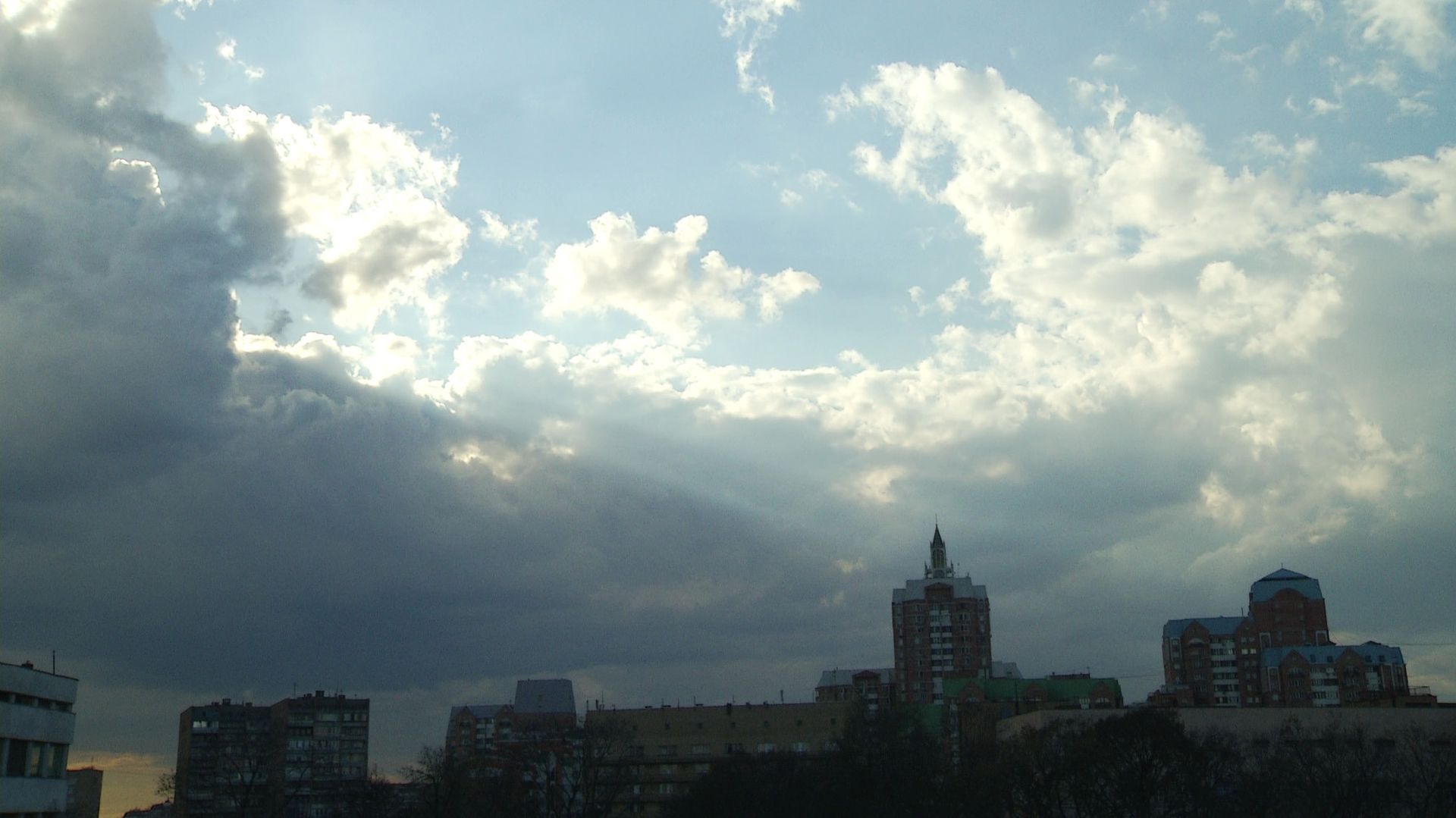
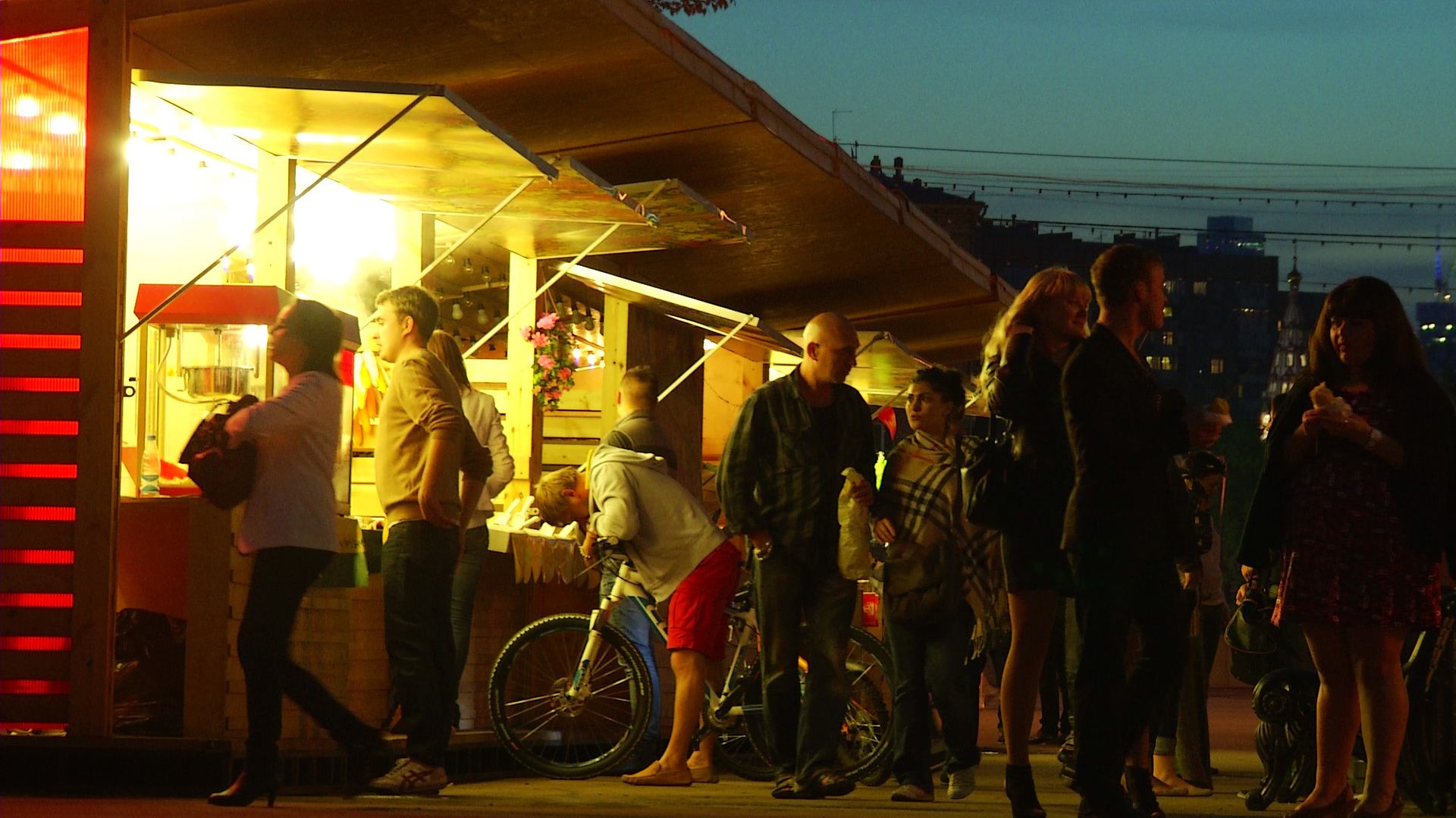
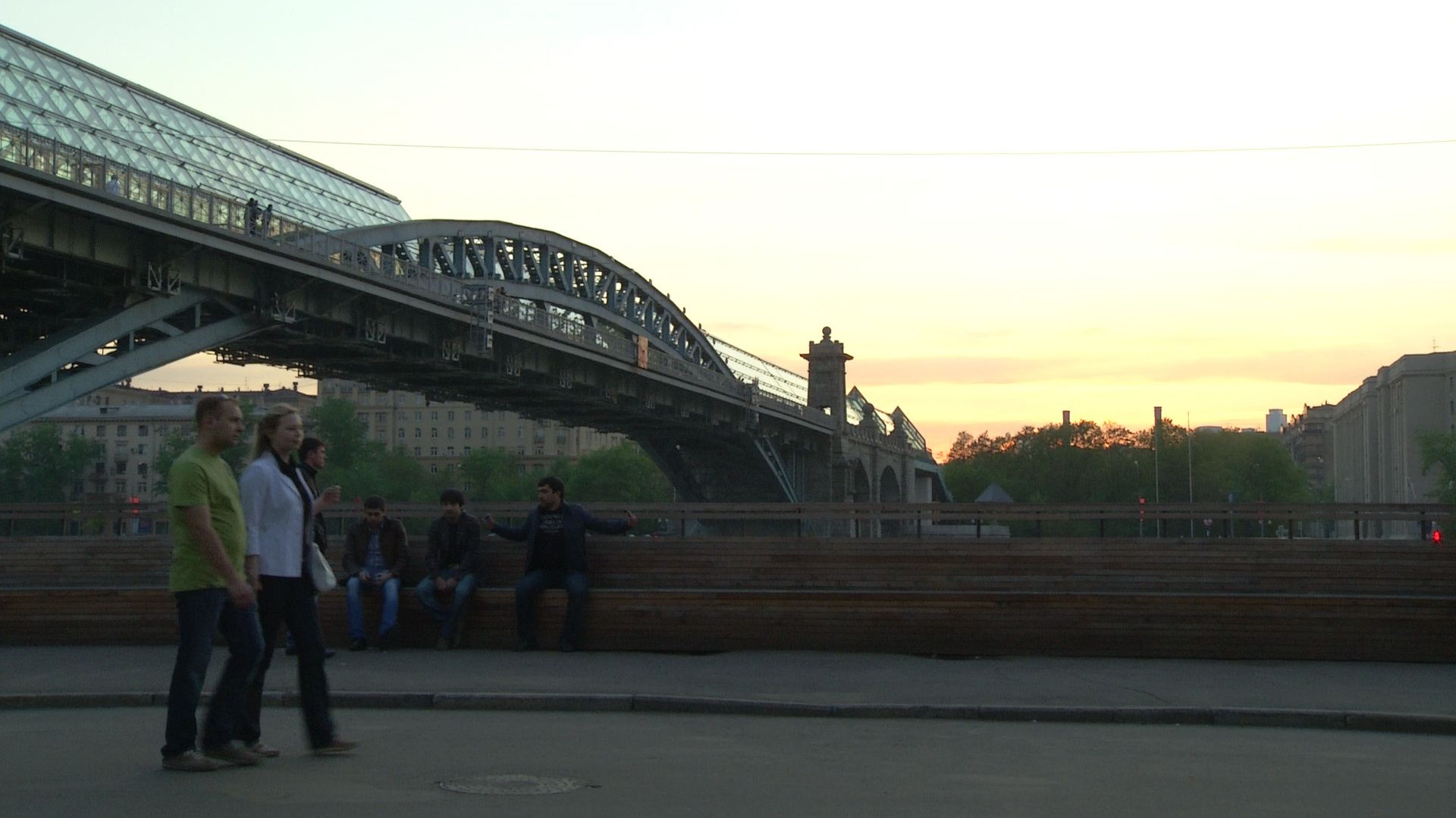
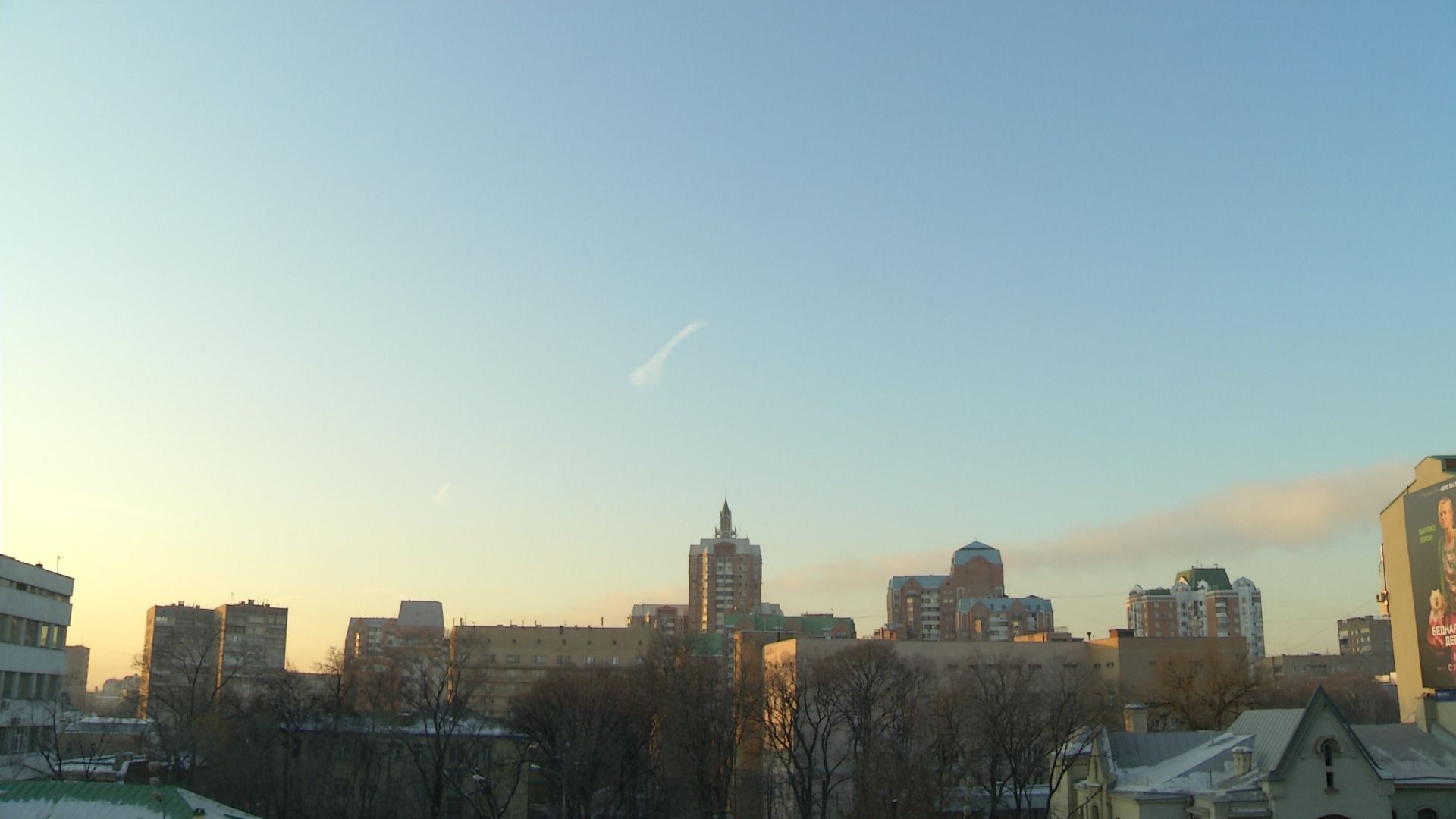
So I went out to the park yesterday and didn't bring my tripod (too heavy; too tired), and you're not going to get anything like Bloom's gorgeous work, But I've uploaded some raw AVC-I files at 1080p25 so that you can make some objective judgements on image quality, motion handling, etc.

Here's some frame extractions:


Here's a Dropbox link: http://dl.dropbox.com/u/41183616/CONTENTS.zip

The contents are roughly so:
0155Z8 - highlight roll-off test 1
0158Q1 - highlight test 2
0166M7 - 0db gain, f/4 for this and the nest few clips
01737A - water
0177HR - more water
0184YK - +6db gain, f/1.6
0191SB - more low light
0109QE - zoom range test
0210DT - low light - shutter off

By the time I got out from work it was already getting late so I couldn't stay at f/4 and 0 gain for long. Settings I used have detail turned way down, Cine-V gamma and Cine color matrix.

Some things I've noticed since getting this camera:
-3 Gain actually lowers your highlight headroom, and thus dynamic range, I see little reason to actually use this setting now.
f/1.6 is mushy, but stopping down to just f/2 gets rid of the vignetting and looks better already.
The camera is awfully sensitive to changes in white balance and color saturation.
Anything below 20IRE starts to have noise creep in, even at 0db, and especially if it's plain gray; make sure you expose as brightly as possible.
Don't look at the footage too critically on a computer monitor, especially if it's a 2560x1440 27~30"er.
The codec is too good for this camera, it will wonderfully render every grain of noise in each frame; the footage looks squeaky clean after compression.
At full telephoto the stock lens will always have a load of chromatic aberrations, even at f/4, pulling back from 77mm to about 50mm gets rid of everything though...

Hope that helps.
 
Last edited:
Alright so just to clear things up ahead of time, the clips I posted are in a worst case scenario (low light footage was literally shot under street light), so not to make it seem like the 370 produces crappy footage, here are some more raw still frames I pulled from video under ideal conditions:

 
Greetings, new guy here. I bought a 370 last December (Merry Christmas to me!) and so far I've enjoyed it thoroughly. I have however noticed something recently that I've never seen before. Perhaps someone is familiar with what I've spotted. I was shooting an optometrist performing an exam so the light was low and my shot was dark. The highlights, such as the silver dials and white marks looked great as did most everything else with the exception of the darker parts of the shot. I probably wouldn't have noticed anything at all had my hand held technique been better than it is. The highlights, again looked sharp and nice and shook like they should have with my poor technique, but the shadows just kind of sat there and blurred with the movement. Once I stabilized the shot in post the highlights looked really nice, good texture and detail, but the shadows floated around behind them as if they hadn't been stabilized. I went back to the camera and observed the phenomenon in the raw clip. Upon calling Panasonic the tech rep was baffled but suggested black balancing. I'm kind of at a loss for what to think. Has anyone else noticed this?
 
Greetings, new guy here. I bought a 370 last December (Merry Christmas to me!) and so far I've enjoyed it thoroughly. I have however noticed something recently that I've never seen before. Perhaps someone is familiar with what I've spotted. I was shooting an optometrist performing an exam so the light was low and my shot was dark. The highlights, such as the silver dials and white marks looked great as did most everything else with the exception of the darker parts of the shot. I probably wouldn't have noticed anything at all had my hand held technique been better than it is. The highlights, again looked sharp and nice and shook like they should have with my poor technique, but the shadows just kind of sat there and blurred with the movement. Once I stabilized the shot in post the highlights looked really nice, good texture and detail, but the shadows floated around behind them as if they hadn't been stabilized. I went back to the camera and observed the phenomenon in the raw clip. Upon calling Panasonic the tech rep was baffled but suggested black balancing. I'm kind of at a loss for what to think. Has anyone else noticed this?

Hmm, alright, I think I know what you're talking about and it bothered me too when I got the camera. This camera has a noise reduction filter (active by default) that compares frames over time to subtract noise by keeping details that are constant frame-to-frame; since noise is 100% random every frame, this method is often effective.
When you move the camera, the noise filter has to catch up with the camera motion and starts to mess with the shadows, often blurring fine details too since they change frame-to-frame fast enough for the camera to "think" that it's noise and not detail.

You can turn this filter off, or at the very least reduce it's effects to a minimum, by pressing the DISP/CHK & MENU buttons at once and scroll down to the new options menu that appears. In this menu is the PAP filter option which can be toggled, and will reduce the camera's sensitivity in exchange for more stable footage. If the option menu doesn't have the PAP setting, you have to update the firmware.

Having the filter active is great if you really need the extra sensitivity and you're on a tripod shooting relatively still subjects, but I almost always like to keep it off because I don't like surprises and would rather live with less sensitivity than artifacts I can't remove in post.
 
Back
Top