PegLeg Media
Well-known member
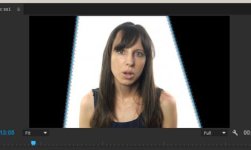
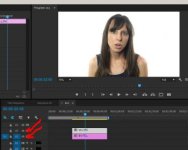
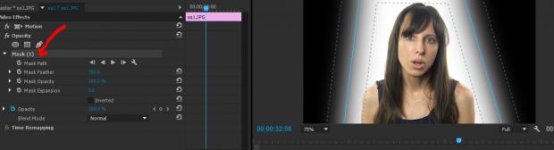
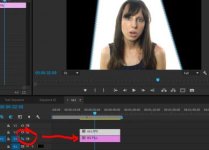
So i am filming a series of video blogs for a company and trying to edit this in premiere without having to go into after effects. I filmed in front of a white backdrop and had to crop the lights from the left and right. I added a white layer under my footage and color corrected it to look like someone in front of an all white background. My problem is now adding a vignette. I made one in photoshop and when i put it over the footage you can see the lines where I cropped the video. I have tried adding a vignette in premiere and it does the same thing. I assumed nesting the person and the white background would work as a pre-comp and i could then add the vignette but that didnt work either. So is there a way to do this without going into after effects and without exporting and then editing already exported footage?
here are the ss
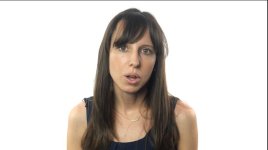
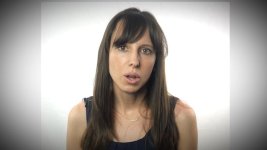
here are the ss