BlitzWerkz
Active member
Dear all,
1) I have just purchased an iMac. OS 10.9.1, 2.9 GHz i5, 16 GB RAM.
2) I also got the Final Cut Pro X to try out to change a new editing programme for my videos.
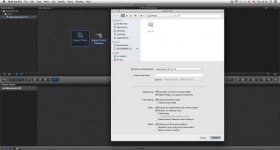
3) I am using an AF102, which is an Asian model of the AF100. My AVCHD files can't be viewed from the SD cards. Only upon opening the "private" folder, there is a file named AVCHD only can be opened by QuickTime. Other than that, I can't viewed the recorded clips.
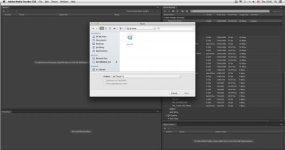
4) Also, I cannot open them in Adobe Media Encoder 6 to change into other format.
May I help some guidances?
Thanks.
BR,
Jack
1) I have just purchased an iMac. OS 10.9.1, 2.9 GHz i5, 16 GB RAM.
2) I also got the Final Cut Pro X to try out to change a new editing programme for my videos.
3) I am using an AF102, which is an Asian model of the AF100. My AVCHD files can't be viewed from the SD cards. Only upon opening the "private" folder, there is a file named AVCHD only can be opened by QuickTime. Other than that, I can't viewed the recorded clips.
4) Also, I cannot open them in Adobe Media Encoder 6 to change into other format.
May I help some guidances?
Thanks.
BR,
Jack