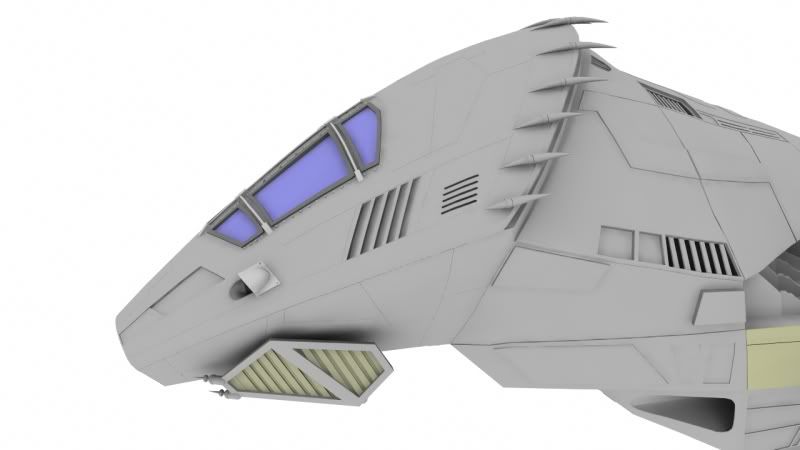
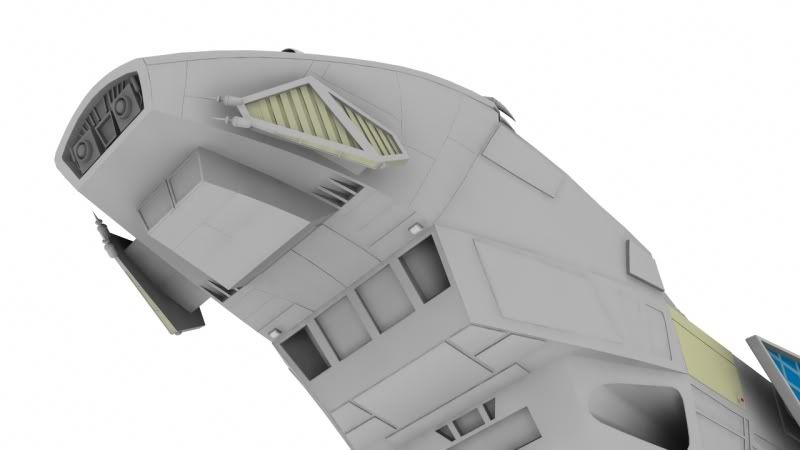
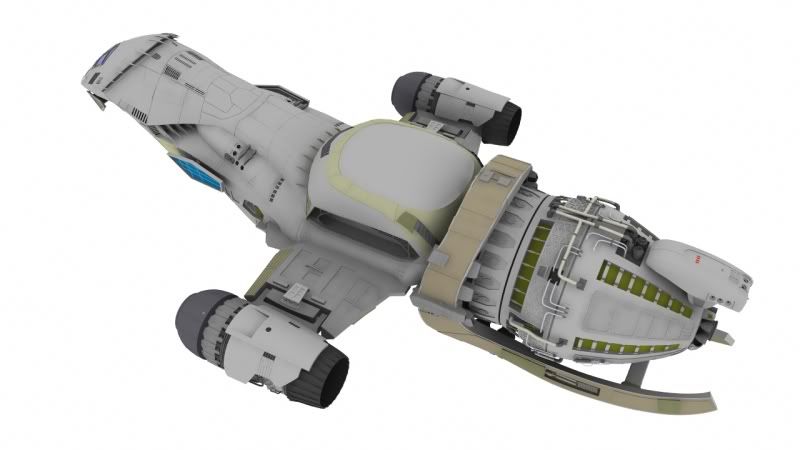
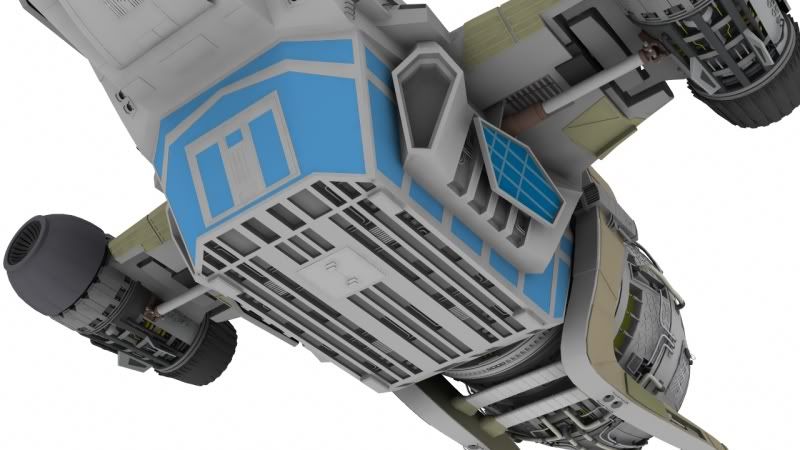
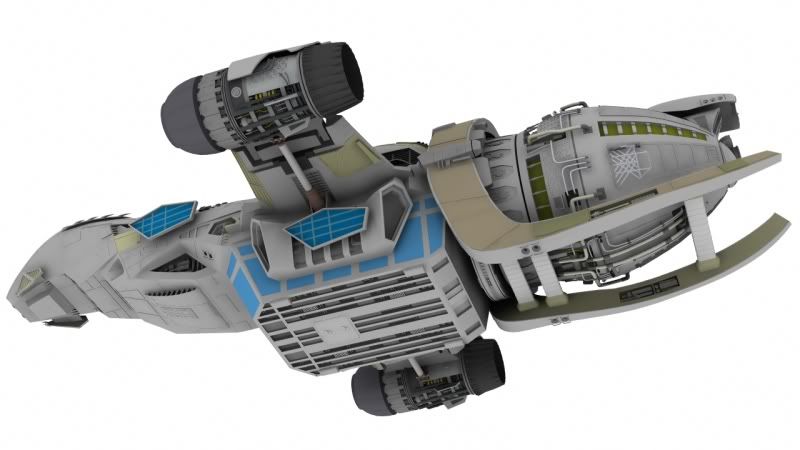
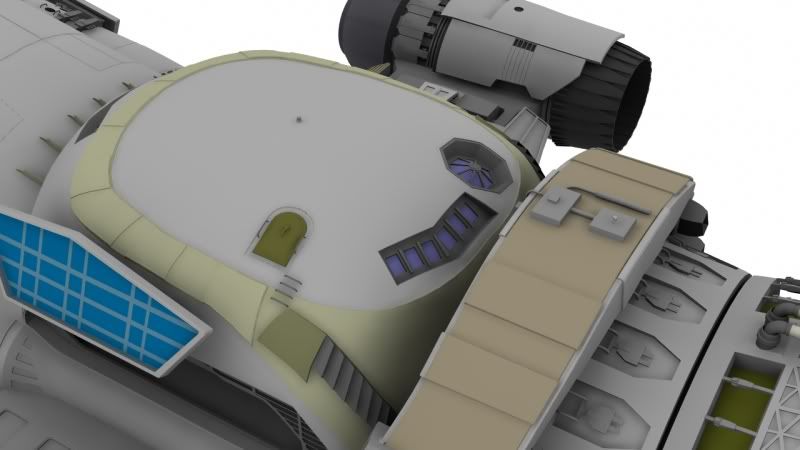
WIP - Serenity - Firefly Class Starship

You still working on that thing? :beer:

I can't wait to see it with lighting! I'd drool over that.

The new back end looks a bit overly organic right now, but I don't know what you have planned for it. I'd lean towards doing it the way you've done the rest of the ship so far.
 
The "neck" and "head" where it's all smooth will get hull plating, nurnies & greebles and stuff like the rest of the ship. I can't wait to light it!
 
Update: Neck section detailed.

Serenity_013b.jpg


Serenity_013c.jpg


Serenity_013d.jpg


Serenity_013e.jpg
 
WOW .... didn't check the 3D section for a while ... great work you have here. Truly inspiring, this kind of work makes me think to go back in time and start a CG carrer :) Keep those posts coming :)
thx
 
hey man, there is a highly detailed model on eBay right now, for like $2500. Might be worth right clicking for reference photos.
 
That's looking Great Tower.

You mentioned earlier that were not sure about texturing...
I'm not sure what you have in mind but maybe you could break the model up into about 4 or more sections
for uv mapping so that you would have 4 seperate UV maps, one for each section.

Once those sections are unwrapped you could do an ambient occlusion pass on each section and bake that into the appropriate map.
Rendering the AO takes a long time but after it's baked in it's done with and looks pretty good to accent those details.
It also shows where all the panels are on the map so when you bring it into photoshop to add rivets and such, you can see where they go.

This is one of two tutorials (he's since deleted his vimeo posts but I still have them if you'd like to see the others also) I found a while back that's for metal texturing but there's a part in there where he uses a 'normals' pass together with the free
XNormal to accent the edges of panels and such. I used his method on my spitfire texturing experiments and it works pretty good.

That might get the texturing started anyways. I found his tutorials to be quite helpful as texturing is one of my weaker areas.
Thought I'd pass it on.

Anyways, it's looking great. Are you almost done with modelling? It's looks close to being done.
 
Thanks for the tips, Gord. Yeah, teturing is a weak spot for me. Haven't gotten the hang of creating good textures yet but I'm determined to complete this project. Too cool not to. I'll take a look at the video when I get home. And XNormal looks like a great program. I'll take a closer look at that tonight, too. If it's free, it's for me.

So, AO can be baked to look like grunge, and to accent depth, essentially? Cool technique. I've never baked stuff before but that sounds great. LW has a camera for specifically baking surfaces. I'll need to take a look at that.

Yep, the modeling is almost done. I'm currently working on the asymetrical details, then on to the landing legs, and finally the shuttles. The tutorial also has sections for the interior where there are windows, and the cargo bay, but I'm not sure if I'm going to go that far...
 
...
So, AO can be baked to look like grunge, and to accent depth, essentially? ...

Well, AO tends to accent the edges. Even with organic models I find it really helps with texturing because you can see where the recesses are while painting in photoshop over the uv map with the AO on it.

Have a look at the video anyways. He does a pretty good job of explaining things. I have a couple more vids I can pass on to you next week if you like. I'm at my 65gb bandwidth cap/limit at the moment. ;)
 
There's a download button right above the video to download the tutorial as an flv.
If you watch it with VLC player you can slow it down by going to VLC's main menu bar and selecting 'Playback->Slower'.
I had to slow it down in a few spots myself to see what he was doing.
 
Back
Top