jmitchelreed
New member
Hey everyone,
I've just purchased a SmallHD 702 Bright monitor and I'm very happy with it.
However, it doesn't seem to be seeing any of my SD Cards - I've formatted them all to FAT32 and they've all been under 16GB (I've tried about 5 SD cards at this point). None of them work. It sees when the SD card is inserted, because I can see "SD" under the LUTs page, but it doesn't see anything on the card - same when I tried to upgrade the firmware.
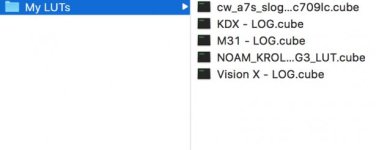
Is there a folder structure that I need to be using so it can see my LUTs?
Hoping someone on here can help out.
Thanks in advance!
I've just purchased a SmallHD 702 Bright monitor and I'm very happy with it.
However, it doesn't seem to be seeing any of my SD Cards - I've formatted them all to FAT32 and they've all been under 16GB (I've tried about 5 SD cards at this point). None of them work. It sees when the SD card is inserted, because I can see "SD" under the LUTs page, but it doesn't see anything on the card - same when I tried to upgrade the firmware.
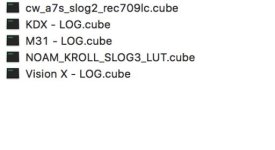
Is there a folder structure that I need to be using so it can see my LUTs?
Hoping someone on here can help out.
Thanks in advance!