
Nicholas Natteau
Veteran
I have no idea what's causing this. But after applying the fast color corrector and scaling up a 4:3 clip in a 16:9 720p59.94 sequence, my footage in the Program monitor window looks like this:
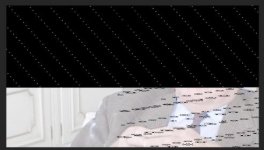
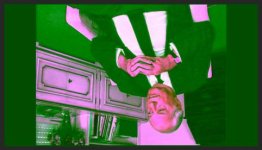
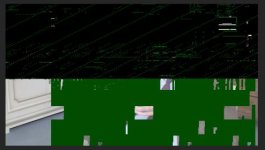
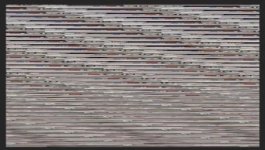
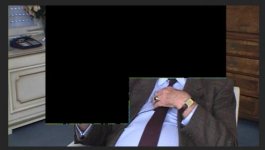
For some reason, if I undo my upscale OR if I undo my fast color corrector adjustment, the footage is fine. But this is very worrying. I used my Kona LHi to up convert my source footage (480i29.97 SD video) to 720p59.94 pillar boxed. I can't understand why simply upscaling a little further in the PPCS6 effects window (to eliminate pillar box look) or applying a simple color correction would cause this. But it really worries me. I have to deliver my footage today, and now I have decide either to keep the footage pillar boxed or not color correct, to avoid this disaster.
I also tried restarting my Macbook Pro Retina which usually would have solved problems like this in the past, but no such luck now.
For some reason, if I undo my upscale OR if I undo my fast color corrector adjustment, the footage is fine. But this is very worrying. I used my Kona LHi to up convert my source footage (480i29.97 SD video) to 720p59.94 pillar boxed. I can't understand why simply upscaling a little further in the PPCS6 effects window (to eliminate pillar box look) or applying a simple color correction would cause this. But it really worries me. I have to deliver my footage today, and now I have decide either to keep the footage pillar boxed or not color correct, to avoid this disaster.
I also tried restarting my Macbook Pro Retina which usually would have solved problems like this in the past, but no such luck now.
Last edited:
