Need Help: Raster to Vector conversion

Larry Rutledge

Fest Master
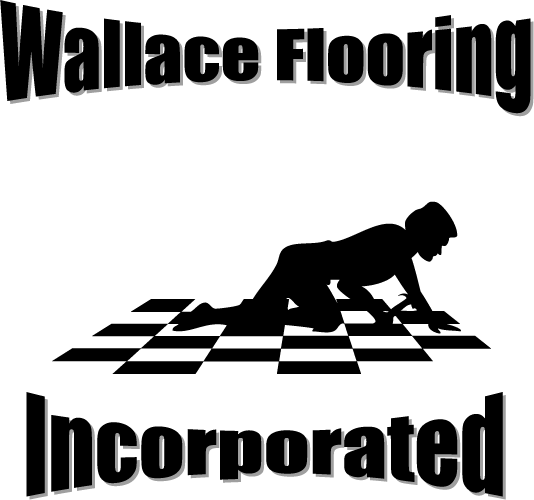
I have a fairly simple image that needs to be converted from a raster image to a vector image. Is this something that can be done in PS? Is it hard? Is there anyone who could do this for me (as I'm at work and won't have access to PS until late tonight and the person I'm trying to help needs it today).


You can see the image here: http://www.nrestudios.com/archive/images/wfi.tif

Thanks for any help/insight,
Larry
 
This is the best I could do in short order. You probably want to redo the text, but I think the drawing came out ok.

It's an .eps file which will allow you to open in Photoshop and pick whatever rez you want. I couldn't do the borders/drop shadow, as they are done with looks like the stroke effect in Photoshop, and there was no real way to reproduce that, not by just forming paths and then converting them. But you are closer to your goal, I hope.

Against a white background layer, it will look fine.

Good luck.


M
 
Last edited:
This is the best I could do in short order.

Wow, your best effort was so bad it came to nothing, huh? :grin:

Hopefully you just forgot to attach the image...I'm anxiously awaiting to see what you were able to do.

This is for my brother-in-law's floor business. He wants to have shirts made with that image, but he's not a graphic artist, so he cobbled together text and clipart into a MS Word document. I took it and transferred it to an image file, but I don't have illustrator, only PS so I couldn't make a vector image (which the shirt guy said he had to have).

So are you saying that in a vector image it's not possible to make styles, like drop shadows? What if you just put three offset text layers down, a gray (shadow) layer, a white (spacer) layer, and a black (text) layer so it gave the same look as the drop shadow?

Thanks for any help in this.

Peace,
Larry
 
What if you just put three offset text layers down, a gray (shadow) layer, a white (spacer) layer, and a black (text) layer so it gave the same look as the drop shadow?

Thanks for any help in this.

Peace,
Larry

You could do a drop shadow that way, or at least, if you used something like a medium gray, you could fake it.

What I don't get is why the Tshirt people are insisting on having only vector based work. Usually, they get irked when you have a three or four color piece and have not seperated them into each color, but the whole vector thing suprises me.

Also, I didn't put a drop shadow of any sort on that, and I am not sure if you can save from an open .eps in Photoshop. Anyway, the text may need work.

If nothing else you can send me the finished text, and I can put them all together again and resave.
 
The drop shadow is a bit different, but...

wfi.gif
 
Back
Top