Hi all
Okay, the thing is this:
My film was shot 16:9 and edited as DV Widescreen project in Vegas. Then I exported the footage to After Effects and did some work there.
Then I rendered the footage back from AE (again, using DV Widescreen render setting).
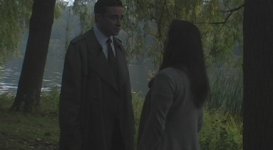
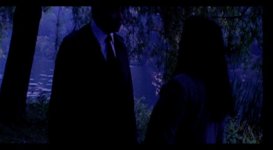
But now, when I open my footage in Vegas and try to work Widescreen I get black bars on the sides instead of on the top and bottom.
And worse still, some shots have been cropped from the top side!
When I switch to DV NTSC I don't get the black bars but I still get cropped shots.
How can I go back to the original Widescreen setting I had? Did I blunder something in AE or was it in Vegas?
Thanks.
Okay, the thing is this:
My film was shot 16:9 and edited as DV Widescreen project in Vegas. Then I exported the footage to After Effects and did some work there.
Then I rendered the footage back from AE (again, using DV Widescreen render setting).
But now, when I open my footage in Vegas and try to work Widescreen I get black bars on the sides instead of on the top and bottom.
And worse still, some shots have been cropped from the top side!
When I switch to DV NTSC I don't get the black bars but I still get cropped shots.
How can I go back to the original Widescreen setting I had? Did I blunder something in AE or was it in Vegas?
Thanks.