BorisFX Acquires VEGAS

David Jimerson

Administrator
Staff member

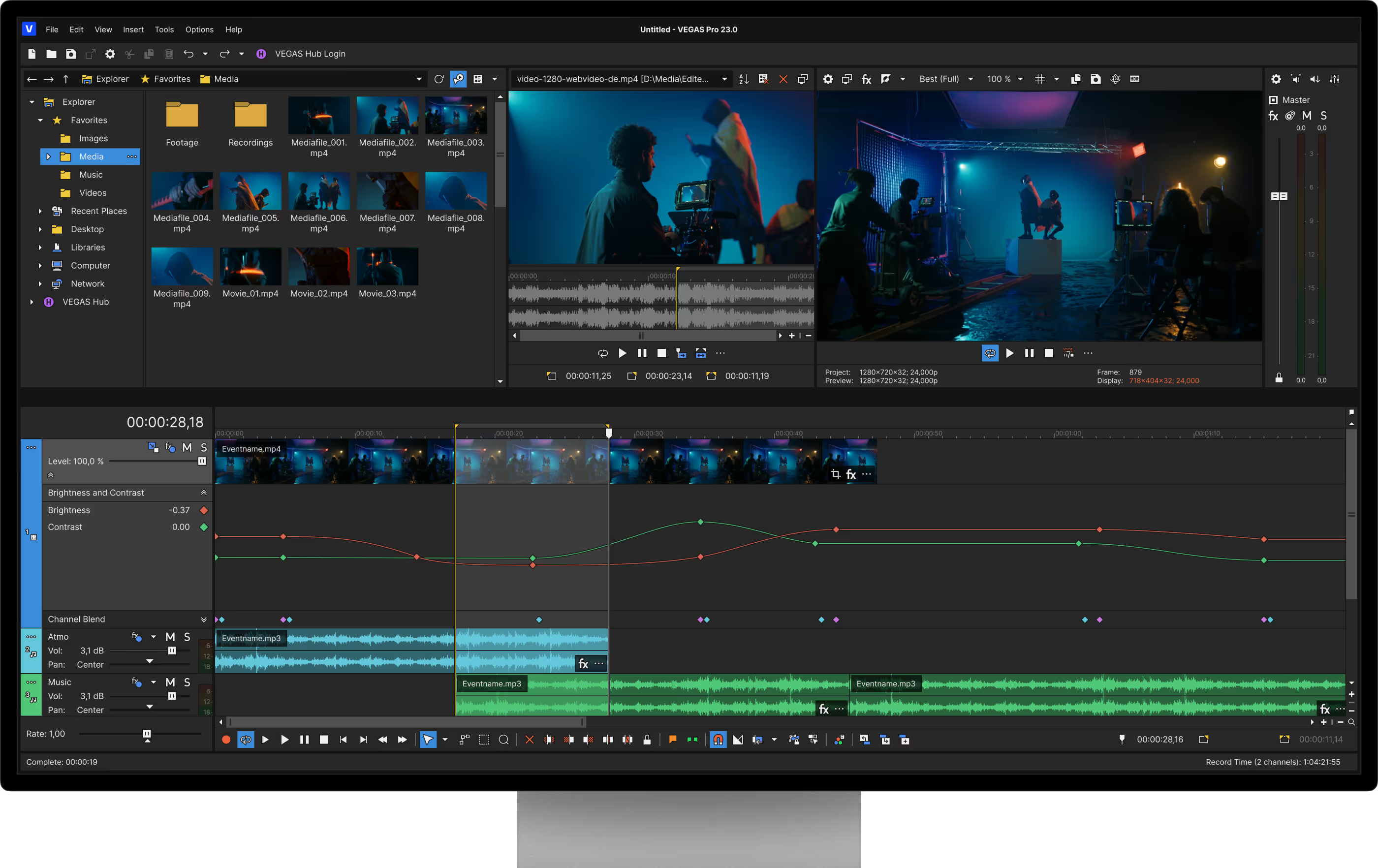
Or I should say "Vegas," because they've apparently done away with the MAGIX-era all caps branding for the name.

Best news here is that Mocha Vegas will be coming back.

There is no update to Vegas 23.

New version is branded Vegas Pro 2026.

 
I used to be the biggest Vegas fanboy. Cut three features on it and would talk about it to anyone who would listen. It's crazy how far it's come! The last version I used was 11 or 12, but I think 9 was the last version I used religiously. The VFX stuff it has now is especially interesting.

I moved on from Vegas to Premiere because my work was getting more VFX heavy and I was in After Effects a lot. Then I got tired of Premiere crashing all of the time so I moved to Avid and Fusion/Nuke, and now I'm in DaVinci Resolve with Nuke for when I don't want to do something in Fusion. That's my long way of saying that if the VFX stuff and Mocha was around for Vegas back then, I might not have left!
 
FWIW, The initial Vegas publication was by Sonic Foundry in 1999 which was an (audio only) DAW, Basic Video support was added as an option with Vegas 2. Sony acquired Vegas, Sound Forge and Acid in 2003 and then MAGIX acquired those software titles in 2016. The Vegas Creative Software (Magix) forum was permanently shut down on April 1, but the URL can be used for the new BorisFX Vegas forum. The other MAGIX Sound Forge and Acid forum remain, at least for now, though there are also new SF and Acid forums on BorisFX. I was on the MAGIX beta test team and forums moderator since 2017. I am primarily an audio person.
 
I also used to be a big fan of Vegas Video. Cut my feature on version 4 and other shorts on version 3. Along with many coprotate projects on later versions. Last I used it was the beginning of 2011 when I was starting to make the transition to Premiere Pro. The reason I switched is because I went full time on a mac for my personal computers back in 2010. I was still using a PC at the office where I was doing most of my editing, but I wanted to learn an NLE I could use on both mac and PC.
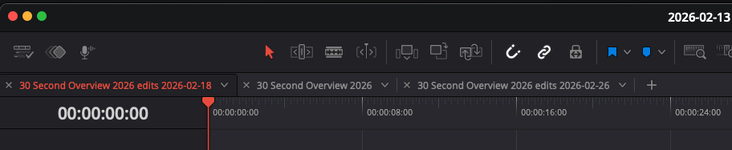
After learning and getting used to Premiere Pro, what kept me from going back to Vegas (aside from no Mac support) was the lack of multiple timeline/sequences. It's also what kept me from going FCPX and why I turned to Resolve last year when I ditched Premiere Pro. I don't understand how people work with only a single timeline these days.
 
I also used to be a big fan of Vegas Video. Cut my feature on version 4 and other shorts on version 3. Along with many coprotate projects on later versions. Last I used it was the beginning of 2011 when I was starting to make the transition to Premiere Pro. The reason I switched is because I went full time on a mac for my personal computers back in 2010. I was still using a PC at the office where I was doing most of my editing, but I wanted to learn an NLE I could use on both mac and PC.
After learning and getting used to Premiere Pro, what kept me from going back to Vegas (aside from no Mac support) was the lack of multiple timeline/sequences. It's also what kept me from going FCPX and why I turned to Resolve last year when I ditched Premiere Pro. I don't understand how people work with only a single timeline these days.

Vegas Pro has had nested timelines for years. For years before that, you could nest projects.
 
Vegas Pro has had nested timelines for years. For years before that, you could nest projects.
Yeah but I'm talking about multiple regular timelines. Like the sequences in Premiere or timelines you get in Resolve. I often work on multiple videos within a given project that share assets between them. Being able to nest timelines is something both of those programs can do as well, which is great for certain assets you want to group together, but not quite the same thing as multiple timelines for being able to edit a number of videos within one project.

The last I used Vegas, you could only open up one project at a time and each project had just one timeline.
 
Yeah but I'm talking about multiple regular timelines. Like the sequences in Premiere or timelines you get in Resolve. I often work on multiple videos within a given project that share assets between them. Being able to nest timelines is something both of those programs can do as well, which is great for certain assets you want to group together, but not quite the same thing as multiple timelines for being able to edit a number of videos within one project.

The last I used Vegas, you could only open up one project at a time and each project had just one timeline.

That has changed.

But you were able to nest projects going waaaaaaaay back, meaning you could open a .veg file on the timeline like a clip. You could then have multiple instances of Vegas open, and work on the nested project independently. When you saved the project, the nested project in the other Vegas instance would update.

The number of Vegas instances you can open is limited only by your RAM.
 
That has changed.

But you were able to nest projects going waaaaaaaay back, meaning you could open a .veg file on the timeline like a clip. You could then have multiple instances of Vegas open, and work on the nested project independently. When you saved the project, the nested project in the other Vegas instance would update.

The number of Vegas instances you can open is limited only by your RAM.
Yeah I still don’t like that. Why they couldn’t just give us multiple timelines in the same project is beyond me.
 
Back
Top