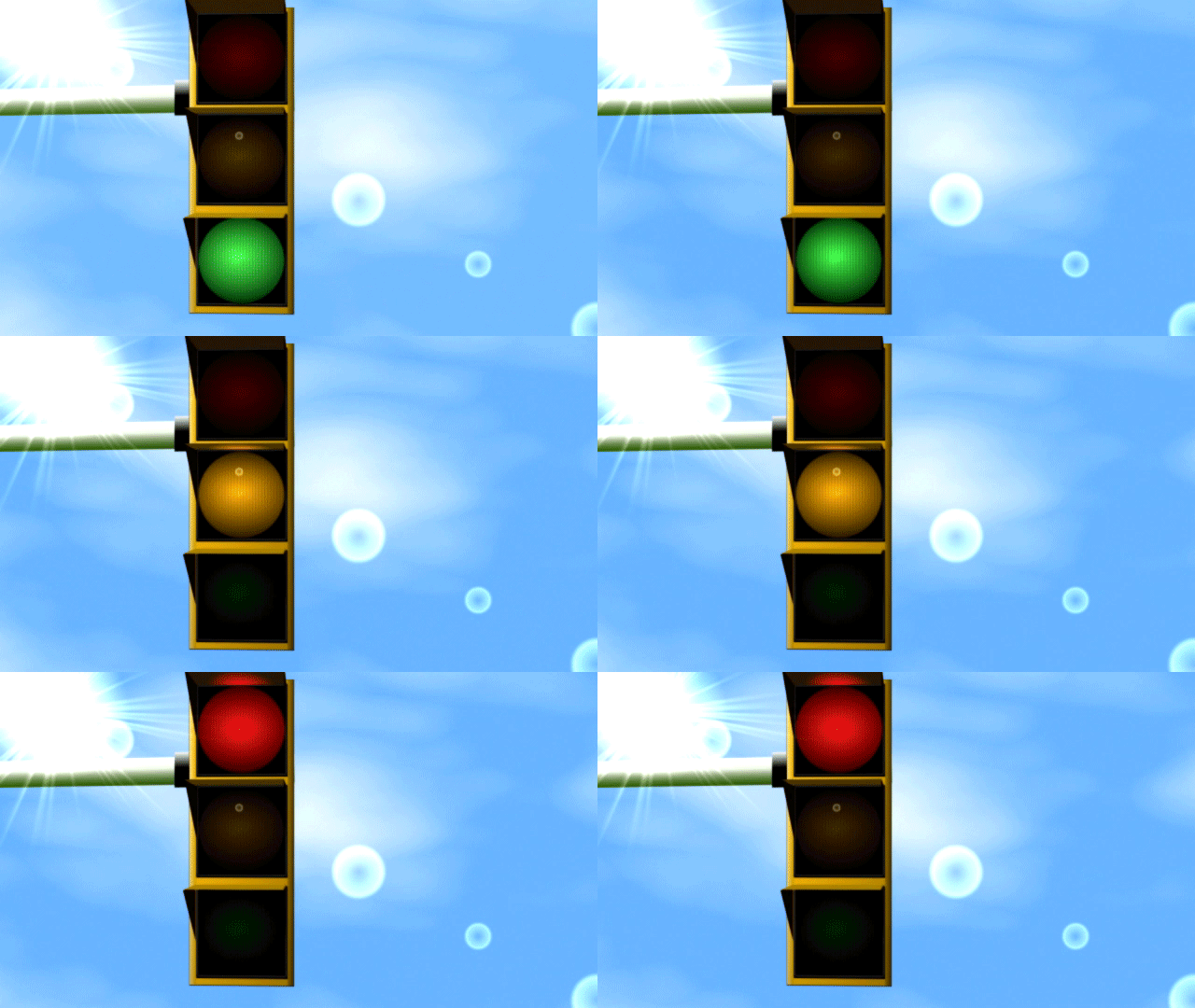
Using Vegas's internal media generators, FX, and compositing modes

David Jimerson

Administrator
Staff member
Created this planet (4-second loop of a longer render; will animate after it loads):
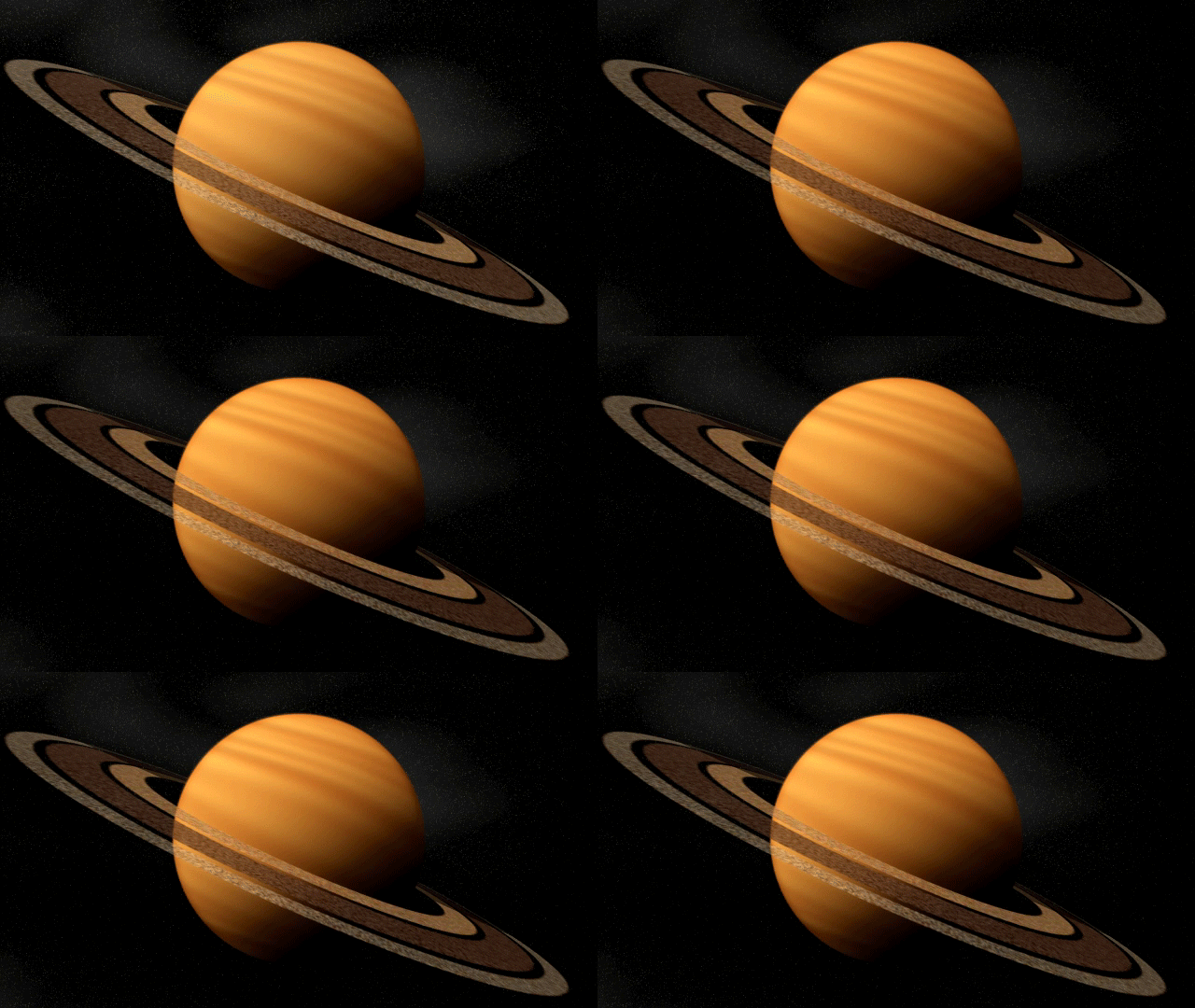
Planet.gif
 
Using just internal media generators, FX, and compositing modes? Don't tease, tell us how... :)
 
By the way, the planet tutorial is done; I'm just in a holding pattern on it. Should have news on that front soon.

Will be doing a tute for the stoplight as well.
 
OK, guys, the tutorial for the ringed planet in the first post above is up. It's 720p, about 35 minutes long and touches on a number of Vegas's tools:

Various Video FX
Media Generators
Parent/Child Tracks
Compositing Modes
Pan/Crop Tool
3D Track Motion

With it, you'll learn to create the planet and animate it, as I said, entirely inside Vegas with no outside media at all -- which means the whole project will be contained within the .veg file.

I've been working with Sony about bringing a series of Vegas Advanced tutorials to you, but that's not all set yet -- but because of it, I can't let the tute go for free. So, if you'd like to download it, there will be a nominal fee of $3.99.

If you'd like to download, you can use the link below for now.

http://wbsltd.fetchapp.com/sell/okielaht

The tutorial is best viewed in QT Player. Feel free to ask any questions!

A tutorial for the stoplight will follow . . . :)

 
Back
Top